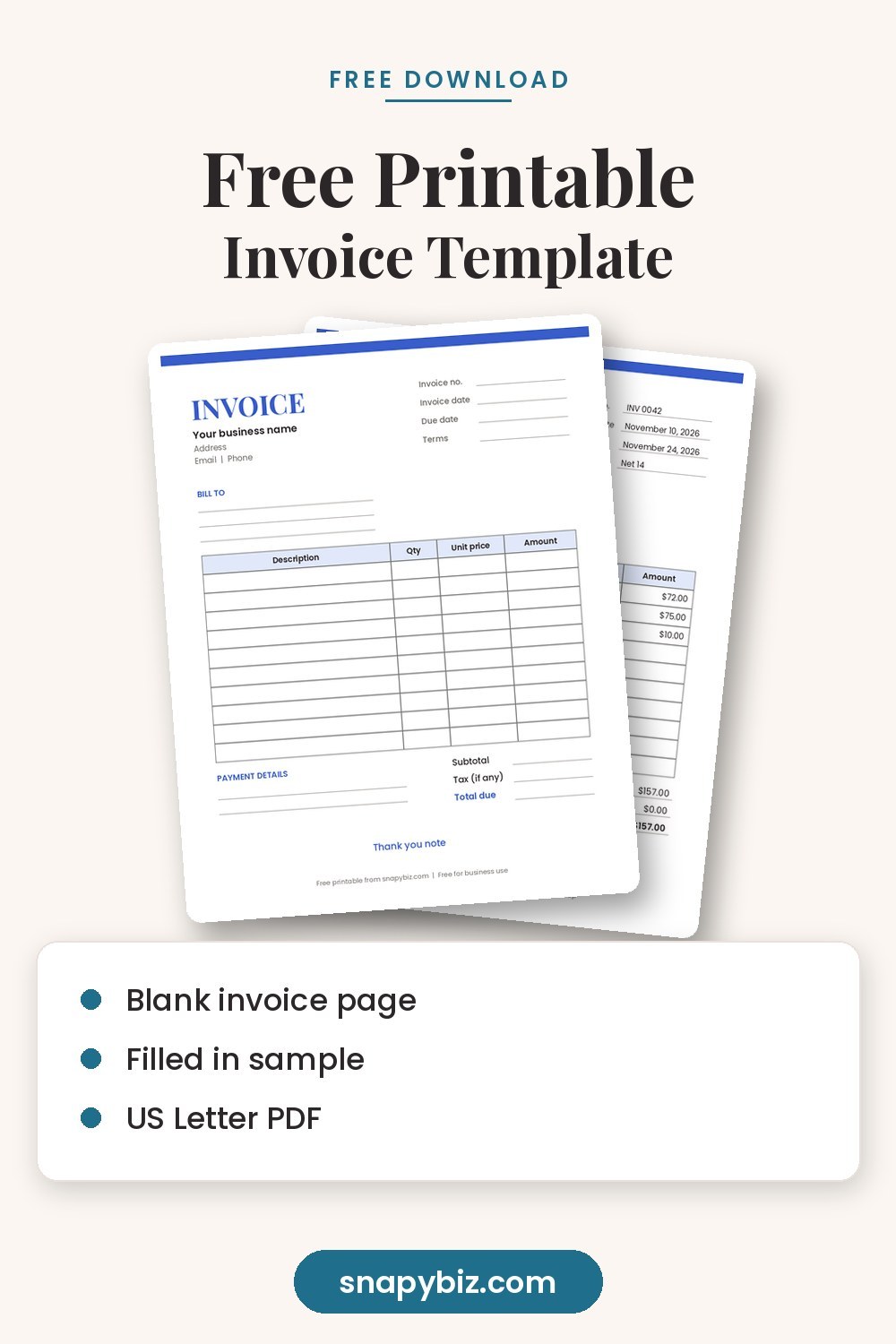
Quick answer: Download our free invoice template as a 2 page PDF: a blank invoice you can fill in by hand or on a PDF app, plus a filled in sample so you can see what goes where. Every invoice needs your business details, the client’s details, a unique invoice number, the invoice date, a due date, a list of items with quantities and prices, the total due and how to pay. You can also rebuild the same layout as a Canva invoice template in about 10 minutes.
Download the free invoice template (PDF, blank + sample)
An invoice is how you ask a client to pay, and it is also a record for your books and your taxes. A clear invoice gets paid faster, because the client does not have to email you with questions. This guide covers what to include, how to number invoices, which payment terms to use, and how to make one in Canva, Word or Google Sheets.
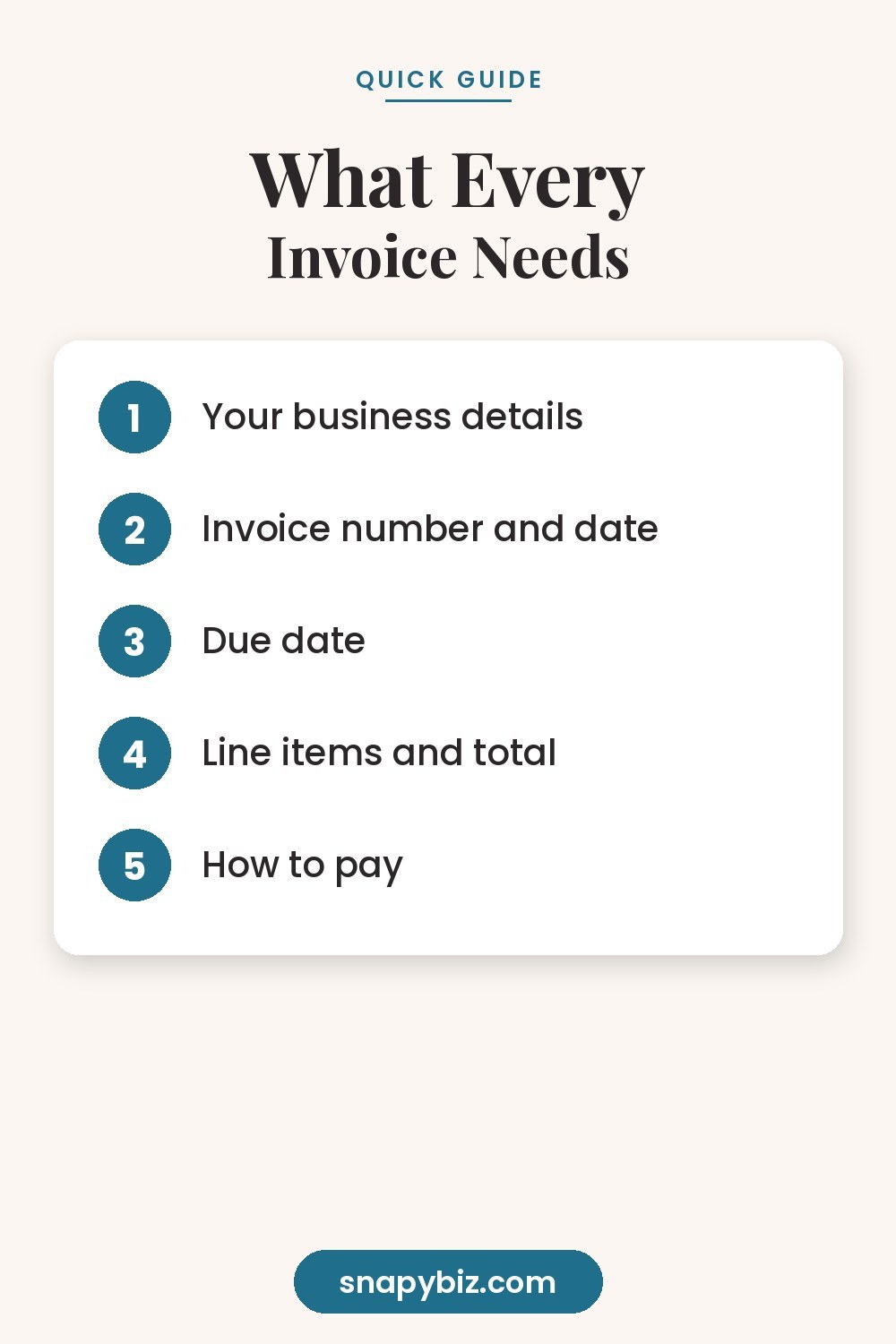
What should an invoice include?
| Field | Example |
|---|---|
| Your business name and contact details | Sunny Side Bakery, address, email, phone |
| The word “Invoice” | Clear at the top |
| Invoice number | INV 0042 |
| Invoice date | November 10, 2026 |
| Due date | November 24, 2026 |
| Bill to | Client name, contact person, address |
| Line items | Description, quantity, unit price, amount |
| Subtotal, tax and total due | $157.00 |
| Payment details | Bank transfer, card link or check details |
| A short thank you | “Thank you for your business!” |
If you collect sales tax, show it as its own line. Tax rules differ by state, so check with your state tax agency or an accountant if you are not sure.
How do you number invoices?
Pick one simple system and never reuse a number.
- Simple count: INV 0001, INV 0002, INV 0003
- Year plus count: 2026 001, 2026 002
- Client code plus count: MSC 001 for Maple Street Cafe
Keep a list or spreadsheet with the invoice number, client, date sent, amount and date paid. That one list tells you who owes you money at a glance.
Which payment terms should you use?
| Term | Meaning |
|---|---|
| Due on receipt | Pay as soon as you get the invoice |
| Net 7 | Pay within 7 days |
| Net 15 | Pay within 15 days |
| Net 30 | Pay within 30 days, common for larger businesses |
| 50% upfront | Half before work starts, half on delivery |
Shorter terms usually mean faster payment. Whatever you choose, write the exact due date on the invoice instead of only “Net 15,” so there is no confusion.
How do you make a Canva invoice template?
- In Canva, search for “invoice” and pick a simple layout, or start with a blank US Letter page.
- Add your logo with Uploads, then type your business name and contact details.
- Build the line item table with Elements, Tables. Use four columns: Description, Qty, Unit price, Amount.
- Add text boxes for invoice number, dates and Bill To.
- Keep colors light so the invoice prints well and is easy to read.
- For each new invoice, make a copy of the design, change the details, and download it as PDF Standard. Canva explains the download steps in its help guide.
Canva does not add up totals for you, so double check your math. If you send many invoices, a spreadsheet does the math automatically.
Can you make an invoice in Word or Google Sheets?
Yes.
- Word or Google Docs: Search the template gallery for “invoice.” Good for a few invoices a month.
- Excel or Google Sheets: Put quantities and prices in columns and use a formula like =B2*C2 for each line and =SUM() for the total. Best if you bill often.
- Our PDF: Print and fill in by hand, or type into it with a PDF app. Best for quick jobs and craft fairs.
Want more ready designs for your business? Browse our free Canva templates.
How do you send an invoice and follow up?
- Send it as a PDF by email with a short, friendly note: “Hi Jordan, attached is invoice INV 0042 for $157.00, due November 24. Thank you!”
- Use a clear file name, like “Sunny Side Bakery INV 0042.pdf.”
- Set a reminder for the due date.
- If it is late, send a polite follow up the day after it is due, then again a week later.
- When it is paid, mark it paid in your list and send a receipt if the client wants one.
How long should you keep invoices?
The IRS lists invoices as supporting documents that small businesses should keep, and suggests organizing them by year and type of income or expense, as explained on its recordkeeping page. Keep records as long as they may be needed for a tax return, which is generally at least three years. A folder for each year, paper or digital, makes this easy. This is general information, not tax advice.
Receipt templates to pair with your invoices
Once a client pays, a receipt confirms it. These printable receipts from the SnapyBiz store work well with this invoice.
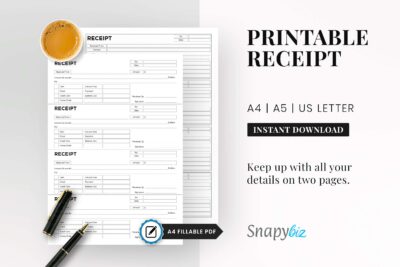
Business Receipt, Receipt Printable, Invoice Receipt
$1.50
Edit it in Canva or print it at home, then download instantly.
Get this template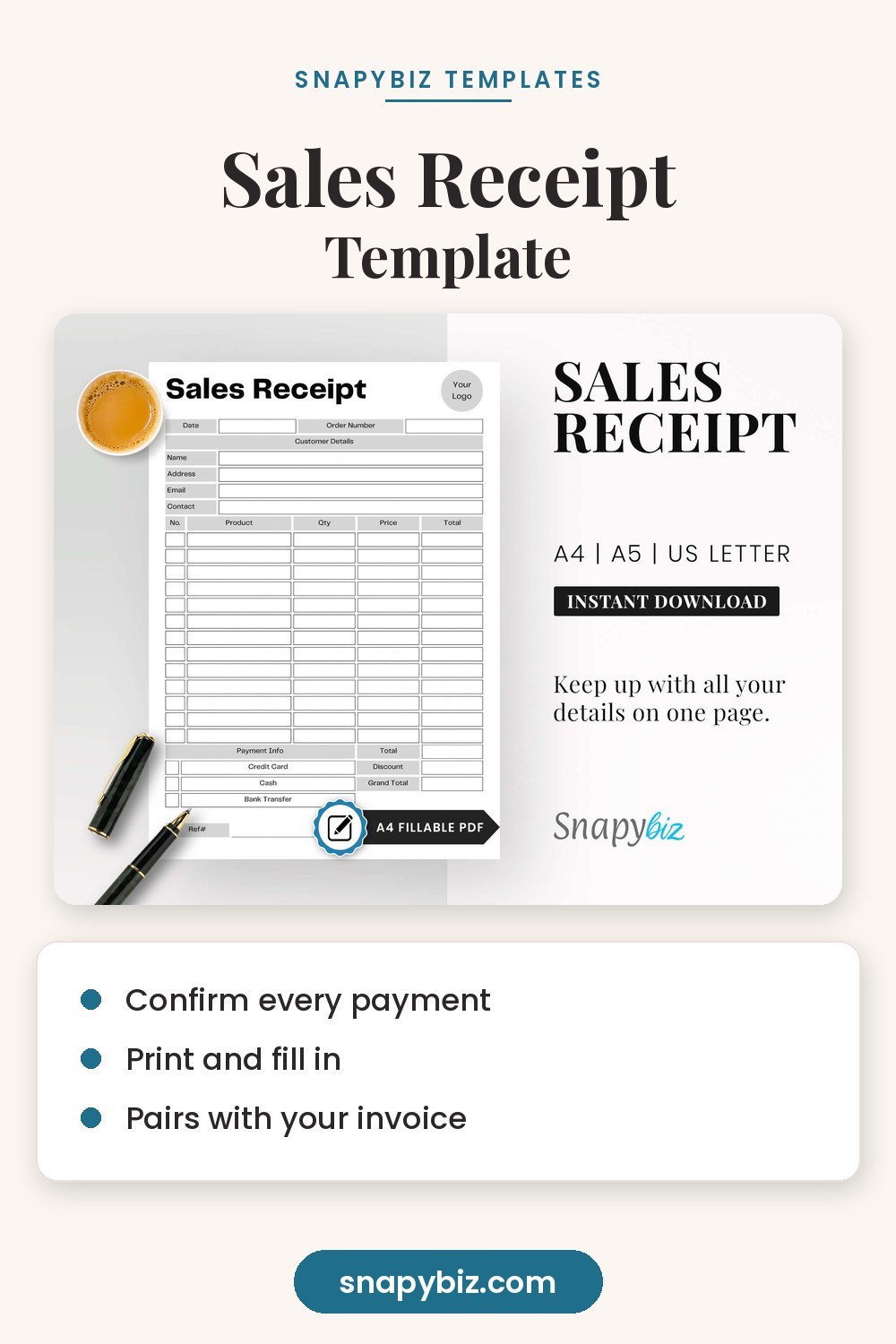

Frequently asked questions
Is this invoice really free to use?
Yes. The blank invoice is free to use for your business, as many times as you like.
What is the difference between an invoice and a receipt?
An invoice asks for payment. A receipt confirms that payment was made.
Do I need an invoice number?
Yes. A unique number makes each invoice easy to find and helps you keep clean records.
Can I make an invoice in Canva for free?
Yes. A free Canva account has invoice layouts and tables. Just check your totals by hand.
What should I write if a client pays late?
Stay friendly and clear: “Just a reminder that invoice INV 0042 for $157.00 was due on November 24. Please let me know if you have any questions.”
Summary
Use our free blank invoice or build your own in Canva, Word or Sheets. Include a unique number, clear dates, line items, the total and payment details, and write the exact due date. Send it as a PDF, follow up politely, and keep copies by year.