Quick answer: Design your template using only your own work or Canva’s Free content, since Canva’s license does not allow Pro content in templates made for resale. Create a template link (a paid Canva plan is needed for this), put the link in a short PDF with instructions, and sell that PDF as a digital download on your own site or a marketplace such as Etsy. Price it with all fees in mind.
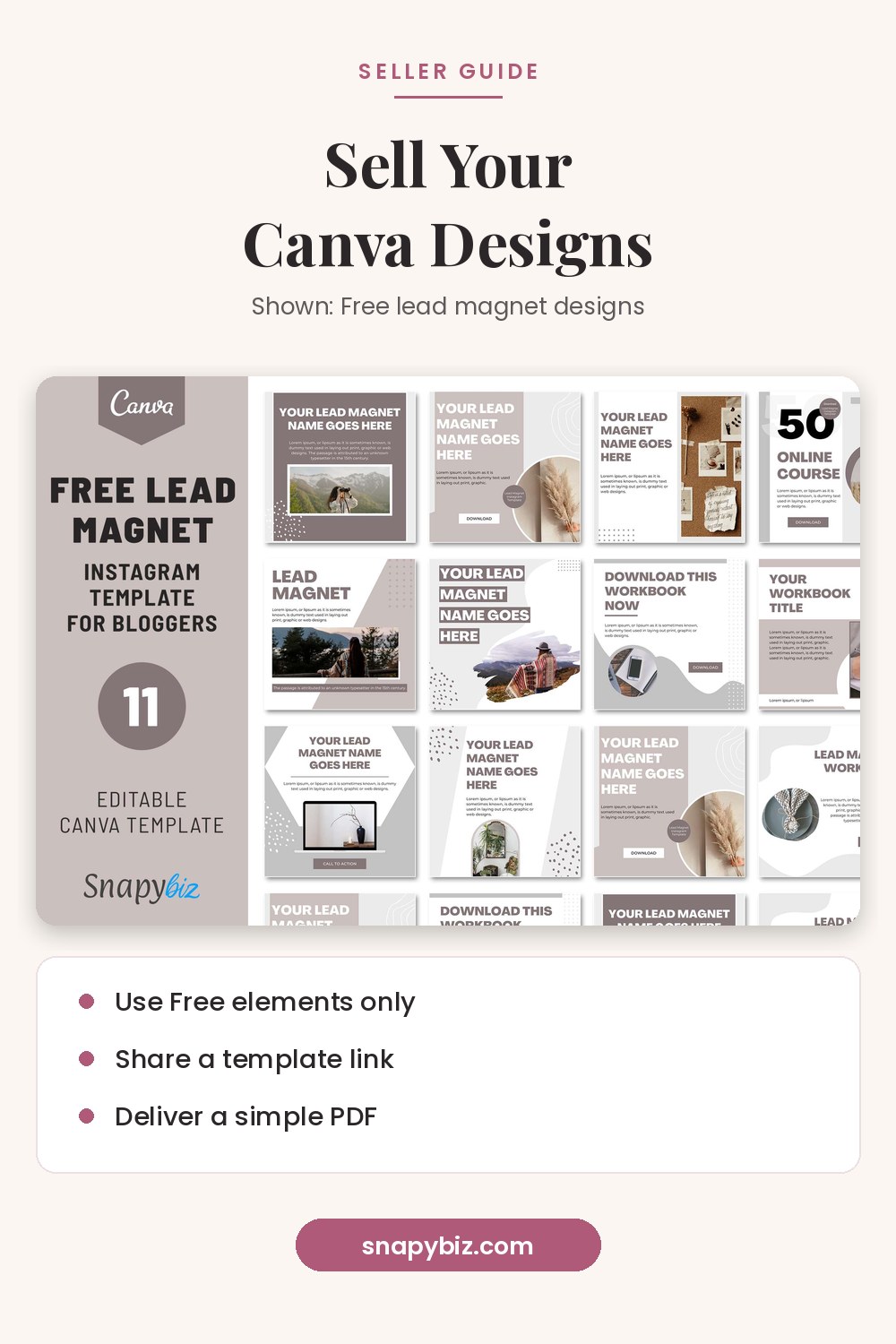

Lead Magnet Templates Free: 11 Canva Designs for Coaches
Free
Grow your audience faster with 11 free lead magnet templates you can edit in Canva and share on Instagram, Facebook, Twitter, and YouTube to turn followers into subscribers.
Get this templateWe have sold Canva templates on snapybiz.com for years. This guide covers what we wish we had known on day one: the license rules, the link setup, delivery and fees.
What are the rules for selling Canva designs?
Canva’s Content License Agreement is the document to read. Here is what it says about templates, in plain words:
- Free Content: Section 6 lets you use Free Content “in templates for websites, social networking websites, documents, projects or otherwise for distribution and/or sale to third parties.”
- Pro Content: the same section says, “If your Canva Design contains any Pro Content, you can’t use it for these purposes.”
- No standalone resale: Section 9 says you can’t resell or distribute Canva’s content on its own, or offer it for download in a way that competes with Canva.
- No logos: Section 9 also says you can’t use Canva content as part of a trademark or business name (fonts are excluded from this rule).
What this means for you: build templates from your own photos, your own drawings, and Free elements. Check each element before you publish. If you have Canva Pro, it is easy to drag in a Pro element by mistake, so look at the element info before you use it. This is our reading, not legal advice. Read the full license yourself.
What do you need to get started?
| You need | Why |
|---|---|
| A Canva account | To design and share |
| A paid Canva plan | Only paid plans can create template links |
| A place to sell | Your own site, Etsy or another marketplace |
| A PDF maker | Canva works for this too |
| Mockup images | Buyers want to see the product before they buy |
Step 1: How do you choose what to make?
Pick a clear use and a clear buyer. “Wedding stuff” is too broad. “Editable 5 x 7 wedding welcome sign for Canva” is clear. Search the marketplace you plan to use and look at what buyers already ask for in reviews.
Ideas that sell well on our store include invitations, gift certificates, planners, social media posts, media kits and business forms. Good templates solve one job fast.
Step 2: How do you design a template people can edit?
- Use simple, clear layers. Group items that belong together.
- Use frames for photos so buyers can drag in their own.
- Label sample text clearly, such as “Your Name Here.”
- Stick to fonts that are free in Canva so buyers on free accounts get the same look.
- Make a few color or layout versions. Buyers like choice.
- Test it on a free Canva account before you sell it.
Step 3: How do you create the template link?
This is the most important step. Canva’s template link guide says:
- Open the design.
- Select Share from the menu bar above the editor.
- Select Template link. If you don’t see it, select See all first.
- Select Create template link.
- Select Copy to copy the link.
The same page says that creating a template link is only available on Canva Pro, Teams, Enterprise, Education and Nonprofits. Anyone with the link can view and use it as a template. One catch: if you use a work email domain (such as @yourcompany.com), buyers who share that domain must be on a paid plan to open it. Buyers with general email domains like Gmail are not affected.
Never share a normal edit link. Canva’s sharing guide explains that “Anyone with the link” plus “Can edit” lets people change your actual design. One buyer could wreck it for everyone. A template link gives each buyer their own copy instead.
If you delete a template link, the guide notes that the URL stops working. Making a new one creates a new URL, so old buyers would need the new link.
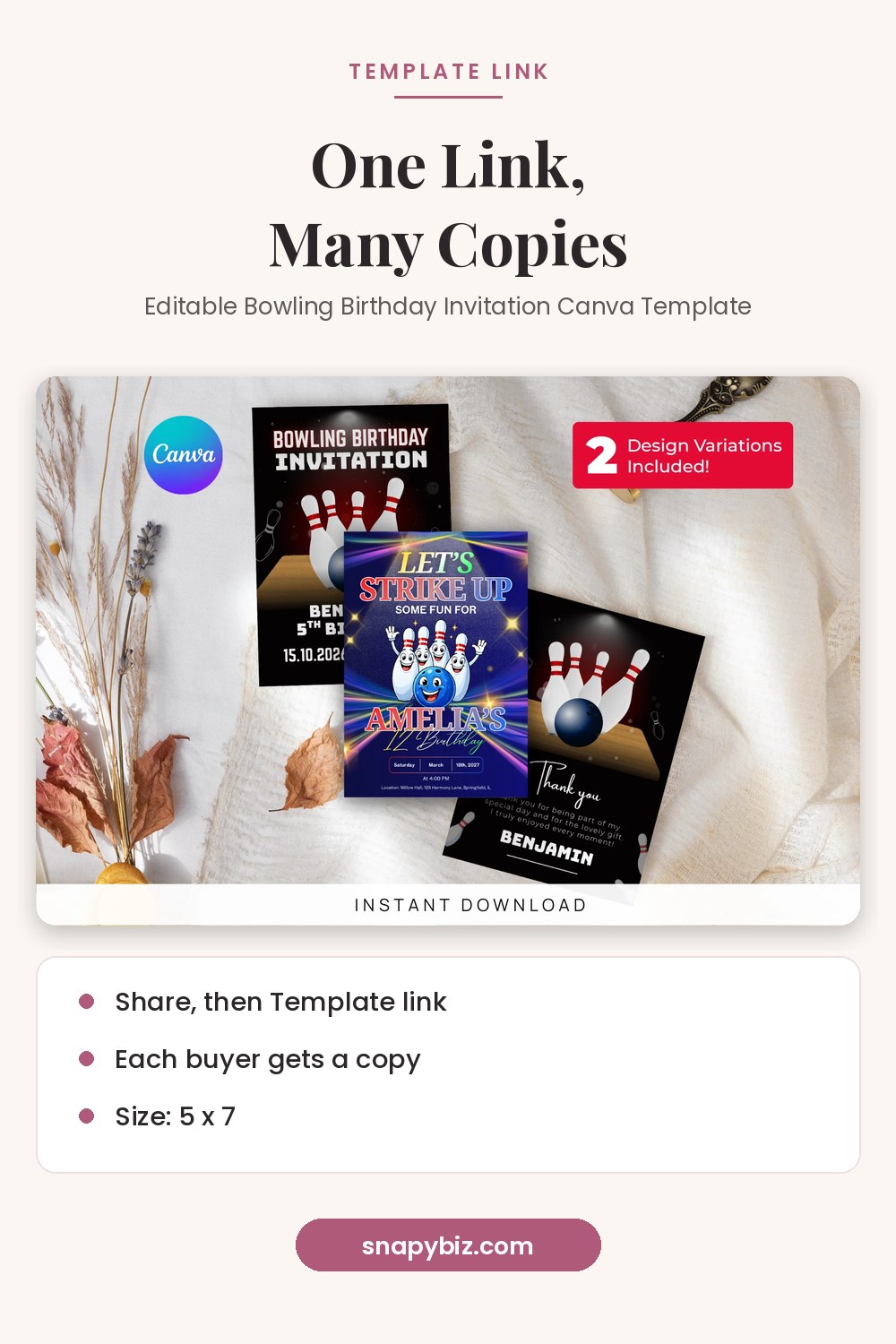
Editable Bowling Birthday Invitation Canva Template
$4.00
Edit it in Canva, then download and print.
Get this templateStep 4: How do you deliver the template?
Most sellers deliver a one or two page PDF. Ours includes:
- A thank you line and the product name
- A big, clear “Click here to edit” button with the template link
- Three or four steps on how to open the link and make a copy
- A note that a free Canva account works
- Your contact email for help
- Your terms of use, such as “personal use only” or “use for your own business”
Upload that PDF as the digital file on your store. Test the link from a different Canva account before you publish.
Step 5: Where should you sell?
Your own site. You keep more of each sale and own the customer list. You also handle traffic, checkout and support.
Etsy. Etsy brings buyers to you but charges fees. Etsy’s 2025 annual report lists:
| Etsy fee | Amount in the annual report |
|---|---|
| Listing fee | $0.20 per item, for a four month listing period |
| Transaction fee | 6.5% of each sale, including shipping |
| Payment processing | Typically 3.0% to 6.5% of the sale, plus a flat fee per order based on the country of your bank account |
| Offsite Ads (when a sale comes from an Etsy ad on another site) | 12% or 15%, based on your sales volume |
The same report says Etsy added a seller set up fee in 2024. Check Etsy’s current fee page before you list, since fees can change.
Step 6: How do you price a template?
Think about:
- What similar templates sell for in your marketplace
- All fees from the table above
- How many versions or pages you include
- Your time for support
For example, 984 of the 1,223 products on snapybiz.com are $1.50. Sets cost a bit more: our 5 x 7 bowling party invite set is $4.00 for 3 designs. Bundles with many pages cost more. Free templates, like our free lead magnet designs, bring in new visitors who may buy later. Prices checked October 21, 2026.

Editable Bowling Birthday Invitation Canva Template
$4.00
Edit it in Canva, then download and print.
Get this template
Lead Magnet Templates Free: 11 Canva Designs for Coaches
Free
Grow your audience faster with 11 free lead magnet templates you can edit in Canva and share on Instagram, Facebook, Twitter, and YouTube to turn followers into subscribers.
Get this templateStep 7: How do you make listings that sell?
- Mockups: show the template in use, such as a printed card on a table or a post on a phone screen.
- Clear title: say what it is, the size, and that it is editable in Canva.
- What’s included: list every page, size and version.
- How it works: “Buy, download the PDF, click the link, edit in Canva.”
- What’s not included: say if fonts, photos or printing are not included.
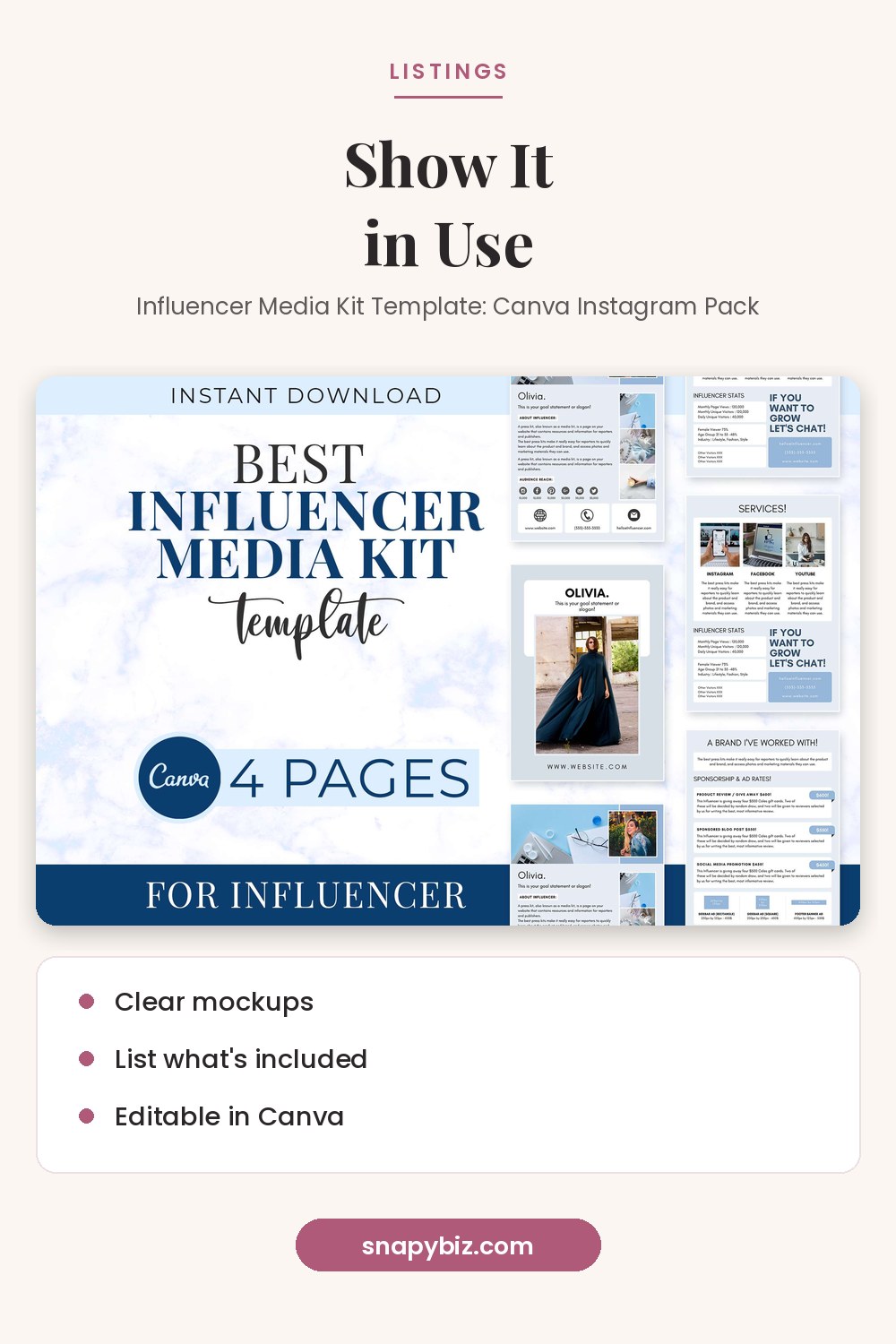

Influencer Media Kit Template: Canva Instagram Pack
$1.50
Pitch brands with confidence using this influencer media kit template pack for Canva.
Get this templateStep 8: How do you support buyers?
Most questions are about opening the link. Keep a short reply ready that explains how to click the link, sign in, and use the template. A beginner guide on your site, such as our guide to editing a Canva template, saves you time. Fix broken links fast and reply within a day.
Common mistakes to avoid
| Mistake | Better way |
|---|---|
| Using Pro elements in a template for sale | Use only Free elements and your own work |
| Sharing an edit link | Always use a template link |
| Deleting a design that has a live link | Keep it, or send buyers the new link |
| Blurry mockups | Use bright, clear images |
| No instructions | Add a simple how to page in the PDF |
Frequently asked questions
Is it legal to sell Canva templates?
Canva’s license allows Free Content in templates for sale, but not Pro Content. Read the full license and follow it.
Do I need Canva Pro to sell templates?
You need a paid plan to create template links. Your buyers can use a free account.
Can buyers edit my original design?
Not with a template link. Each buyer gets their own copy. A normal edit link would let them change your original.
How much does Etsy charge?
Etsy’s 2025 annual report lists a $0.20 listing fee, a 6.5% transaction fee, and payment processing fees that typically run 3.0% to 6.5% plus a flat fee.
What file do buyers download?
A PDF with your template link and short instructions.
Summary
Design with your own work and Free content, create a template link on a paid plan, deliver it in a clear PDF, and price with every fee in mind. Never share an edit link, test every link, and help buyers fast.
References
- Canva. Content License Agreement.
- Canva Help Center. Share your design as a template link.
- Canva Help Center. Share your Canva design and collaborate with anyone.
- Etsy, Inc. Annual Report for 2025, Form 10K.