Quick answer: To use a Canva resume template, open the template link, click Use template, replace the sample text section by section, and download it as PDF Standard. Pick a simple one column layout if you will apply through online job portals, keep it to one page if you have under 10 years of experience, and save a plain text copy for forms that ask you to paste your resume. Fill in our free resume worksheet first so the writing part goes fast.
Download the free resume worksheet (PDF)
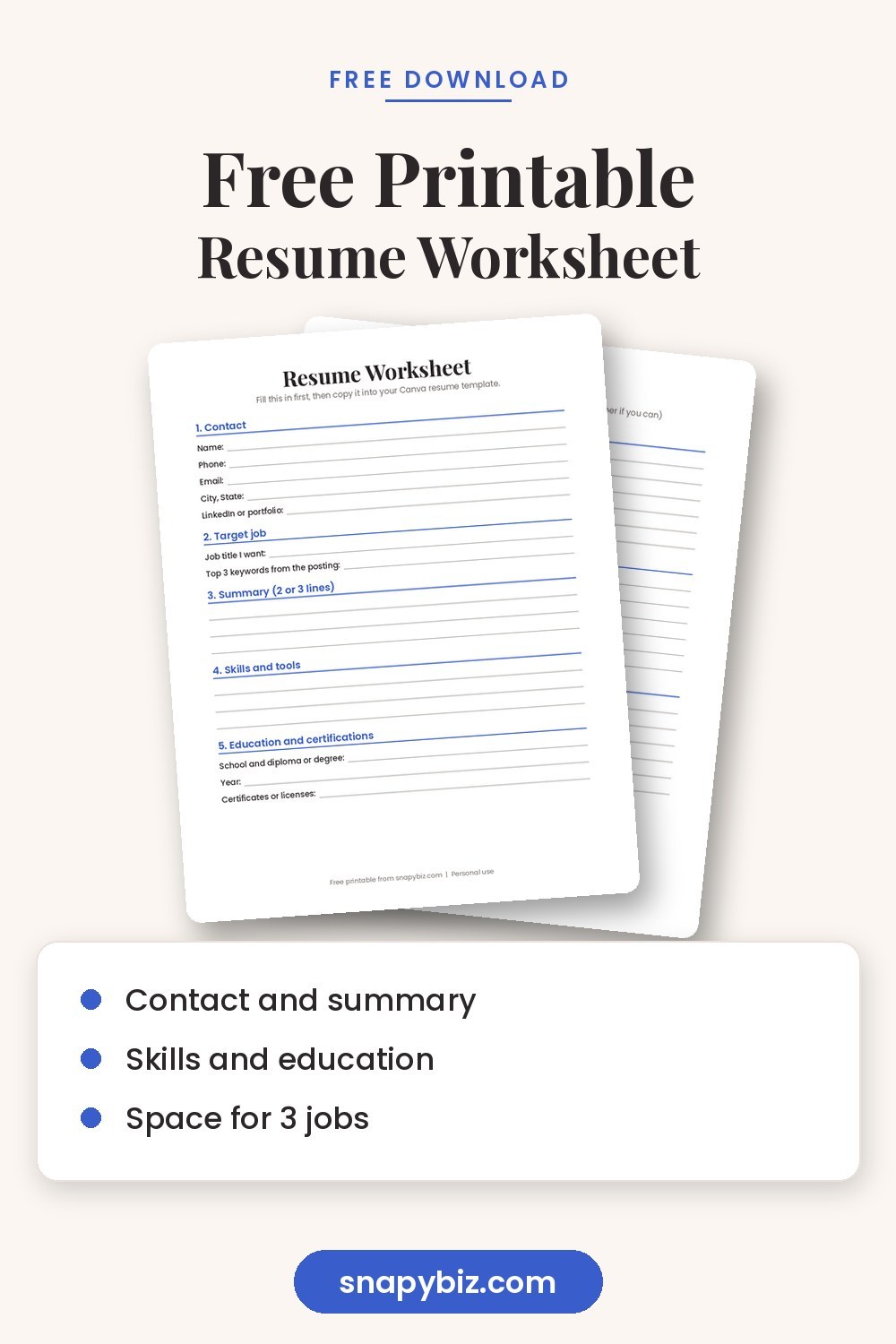
Canva makes a resume look polished in minutes, but a pretty design is only half the job. The words still need to show what you did and why it matters. This guide walks you through picking the right Canva resume template, filling it in the right order, and saving it so both people and hiring software can read it.
How do you pick the right resume template?
| Your situation | Best layout |
|---|---|
| Applying through big company job sites | One column, simple headings, no photo |
| Creative job like design or marketing | Two columns with a bit of color |
| Student or first job | One page with Education near the top |
| Career change | Skills section first, then experience |
| Healthcare or dental roles | Clean layout with a licenses and certifications section |
Many large employers use an applicant tracking system (ATS) that reads your resume before a person does. Some of these systems have trouble with text inside boxes, graphics and complex columns. If you are not sure, choose a one column template, or keep a second, plainer version for online forms.
What sections should a resume have?
The U.S. Department of Labor’s CareerOneStop resume guide walks through each part. Most resumes use these:
- Contact information. Name, phone, email, city and state, and a LinkedIn link if you have one. A full street address is not needed.
- Summary. Two or three lines about who you are and what you bring.
- Experience. Job title, employer, city, dates, then three to five bullet points per job.
- Education. School, degree or diploma, and year. Add GPA only if it is strong and you are a recent graduate.
- Skills. Tools, software, languages and certifications that match the job.
- Optional extras. Volunteer work, awards, projects or licenses.
How do you edit a resume template in Canva?
- Click the template link and choose Use template. A copy opens in your own Canva account.
- Click your name and type over it. Keep the font size between 10 and 12 points for body text.
- Work from top to bottom: contact, summary, experience, education, skills.
- To add a job, select a job block, then use Duplicate so the spacing stays the same.
- Delete any section you do not need. Empty space looks better than filler.
- To change colors, click a colored shape and pick a new color from the top bar. One accent color is plenty.
- Remove the sample photo unless photos are normal for jobs in your country and field. In the United States, most resumes do not include a photo.
New to Canva? Practice on one of our free Canva templates first, so editing text, colors and images feels easy.
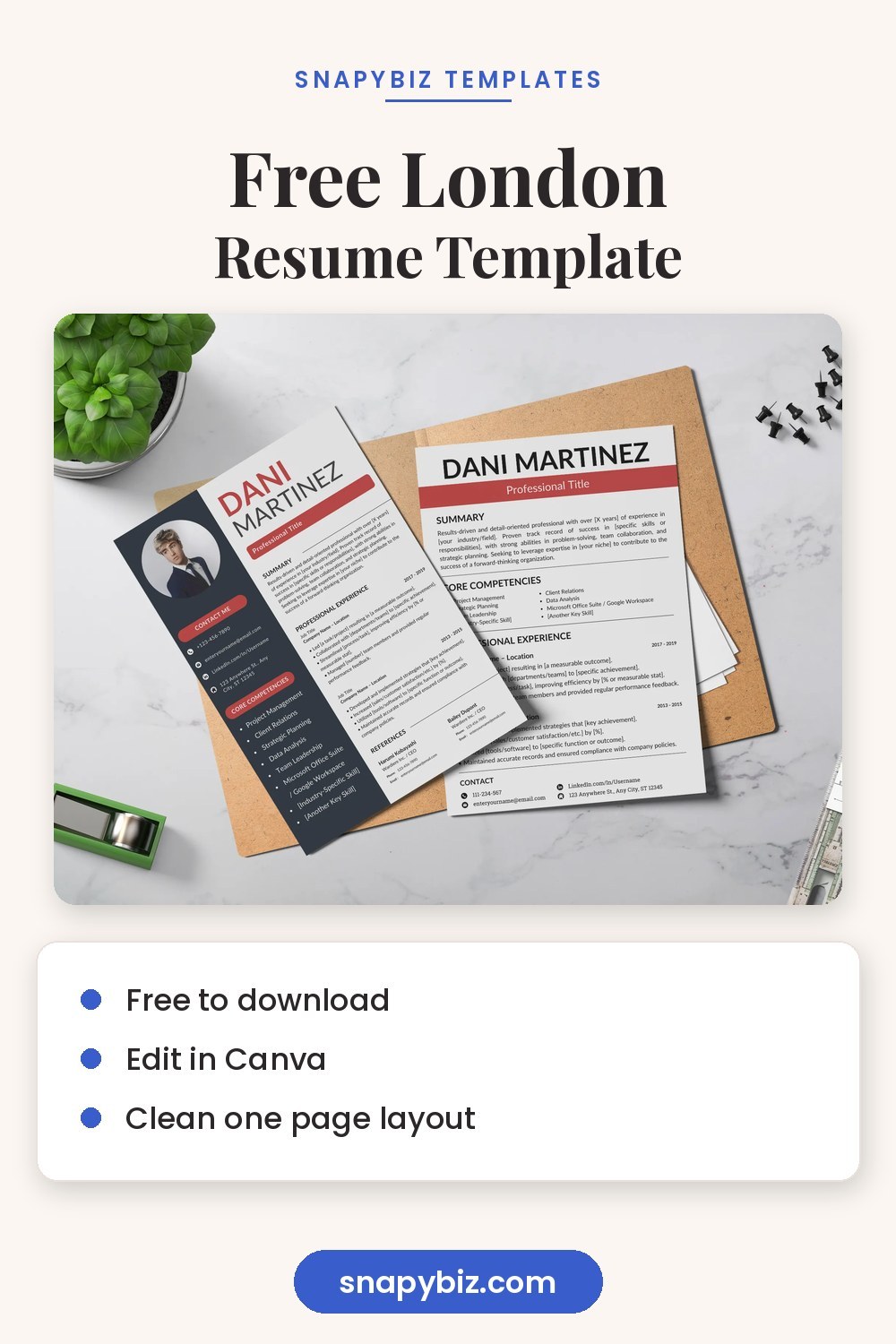
Free London Resume Template | Canva Editable
Free
Free Canva London Resume Template with a London inspired design.
Get this free templateHow do you write bullet points that stand out?
Use this simple pattern: action word + task + result.
- “Trained 6 new cashiers, cutting checkout errors by half in 3 months.”
- “Answered 40+ customer calls a day with a 95% satisfaction score.”
- “Planned weekly social posts that grew followers from 800 to 2,400.”
- “Kept a 20 patient schedule running on time at a busy dental office.”
Strong action words to start with: managed, built, trained, organized, improved, sold, planned, solved, led, created. Numbers help a lot. If you do not have exact numbers, a fair estimate like “about 30 orders a day” still helps the reader picture your work.
Should you download a Canva resume as PDF or Word?
| Format | When to use it |
|---|---|
| PDF Standard | Best for emailing and most job sites. The layout stays exactly as you designed it. |
| Plain text copy | Paste into online forms that ask you to type your resume. |
| Word (.docx) | Only when an employer asks for Word. Check the layout, since some designs shift. |
In Canva, click Share, then Download, then pick the file type. Name the file clearly, like “Maria Lopez Resume.pdf,” so a recruiter can find it.
Common resume mistakes to avoid
- Leaving sample text. Read every line out loud before you download.
- Too many fonts. Stick to one or two.
- Tiny text to squeeze things in. Cut words instead.
- Typos in your email or phone number. Check them twice.
- The same resume for every job. Change your summary and top skills to match each posting.
- Low contrast colors. Light gray text on white is hard to read when printed.
Resume templates from the SnapyBiz store
These templates are ready to edit in Canva, including one free design.
Professional Application CV Template
$1.50
Are you looking for a professional Application CV Template to help you stand out from the millions of other job seekers?
Get this template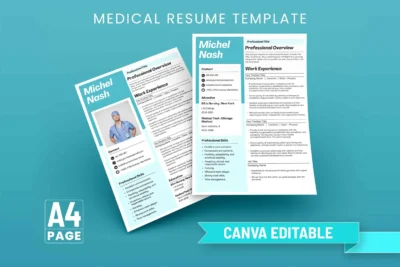
$1.50
Introducing the Medical Resume Template, the perfect CV template for medical professionals.
Get this template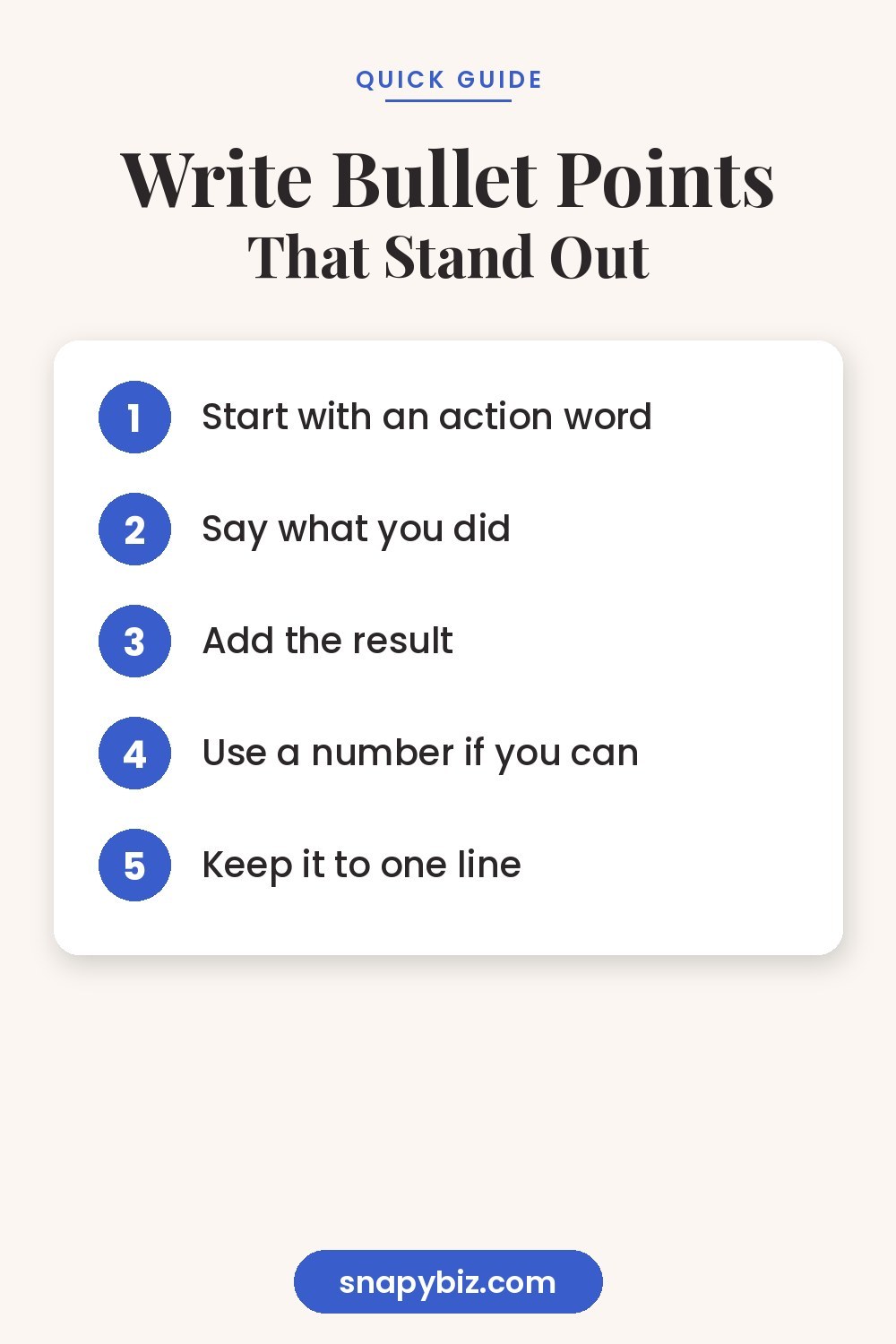
Frequently asked questions
Are Canva resume templates free?
Many are. Canva has free templates, and some use paid elements. Our London resume template is free and works with a free Canva account.
Can hiring software read a Canva resume?
Often yes, especially simple one column designs saved as PDF Standard. Very complex layouts can confuse some systems, so keep a plainer version for online portals.
How long should my resume be?
One page for most people with under 10 years of experience. Two pages is fine for longer careers.
Should I put a photo on my resume?
In the United States, usually no. Some countries and creative fields expect one, so follow local norms.
How often should I update my resume?
Every six months, or any time you finish a big project, earn a certificate or change jobs.
Summary
Choose a Canva resume template that fits how you are applying, fill it in from top to bottom, and write bullet points with an action, a task and a result. Download it as PDF Standard, keep a plain text copy for forms, and update it a few times a year.