Quick answer: Use 1000 x 1500 pixels (2:3) for standard image pins. Use 1:1 or 2:3 for carousel cards and collections images. Use 9:16, or 1080 x 1920 pixels, for full screen Idea ads. Make profile covers at least 800 x 450 pixels at 16:9. The table below lists each format.
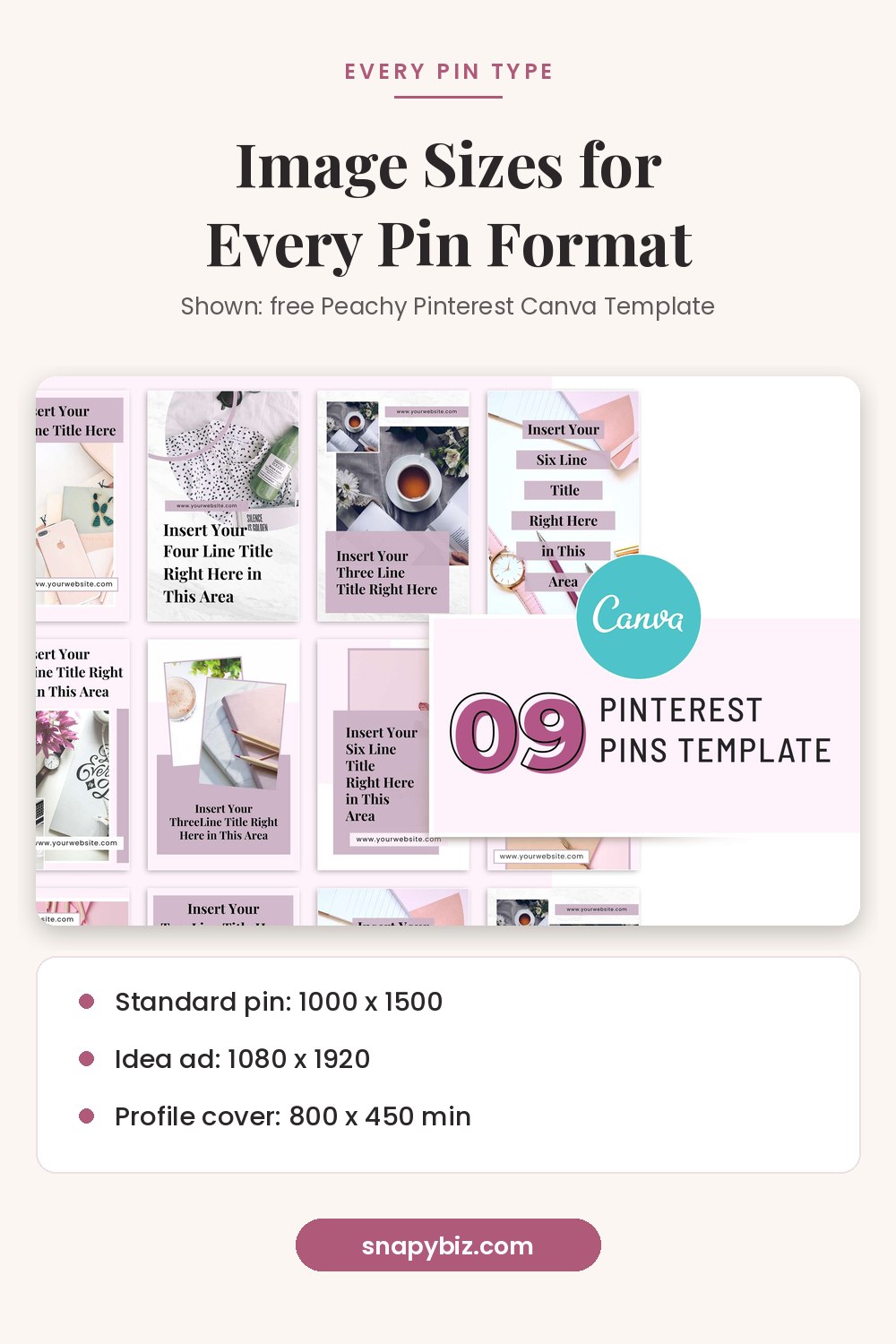

Pinterest has several formats, and each one has its own shape. If you use the wrong shape, Pinterest crops your image or shows it smaller. This guide collects the sizes in one place. For design tips on standard pins, see our separate pin size guide on the SnapyBiz blog.
What size should each pin type be?
| Format | Recommended size or ratio | File types | Max file size |
|---|---|---|---|
| Standard image pin | 1000 x 1500 px (2:3) | PNG, JPEG | 20 MB desktop, 32 MB app |
| Standard video pin | 1:1 or vertical 2:3, 4:5, 9:16 | MP4, MOV, M4V | 2 GB |
| Carousel | 1:1 or 2:3, 2 to 5 images | PNG, JPEG | 20 MB per image |
| Collections | Hero 1:1 or 2:3; secondary all 1:1 or all 2:3 | PNG, JPEG | 10 MB |
| Idea ad | 9:16, 1080 x 1920 px for full screen | BMP, JPEG, PNG, TIFF, WEBP | 2 GB video in app, 100 MB on web |
| Showcase ad | 1000 x 1500 px, cards 2:3 | BMP, JPEG, PNG, TIFF, WEBP | 32 MB |
| Quiz ad | 1000 x 1500 px, title and result pins 2:3 | BMP, JPEG, PNG, TIFF, WEBP | 32 MB |
| Profile cover | At least 800 x 450 px, 16:9 | Image upload | Not listed |
Sources: Pinterest product specs and profile cover help.
What size is a standard pin?
Pinterest recommends a 2:3 ratio, or 1000 x 1500 pixels. It warns that pins taller than 2:3 “might get cut off in people’s feeds.” Titles can be up to 100 characters, and the first 40 may show in feeds. Descriptions can be up to 800 characters.
What size is a video pin?
Pinterest’s spec says video ratios should be “shorter than 1:2 (width:height), taller than 1.91:1.” It recommends square (1:1) or vertical (2:3, 4:5, or 9:16). Videos can be 4 seconds to 15 minutes long. For video ads, it suggests 6 to 15 seconds. Files can be MP4, MOV, or M4V up to 2 GB, encoded in H.264 or H.265.
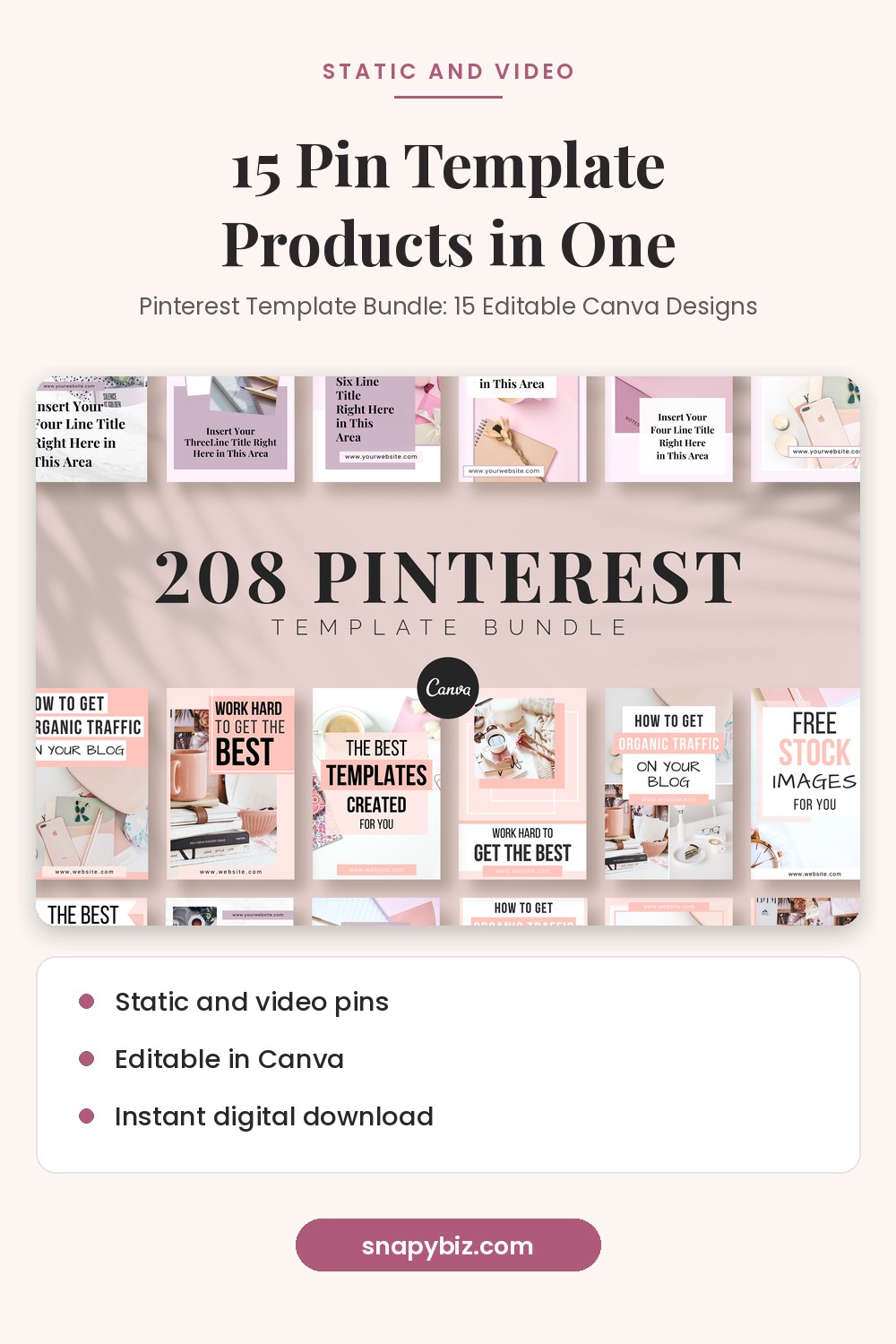

Pinterest Template Bundle: 15 Editable Canva Designs
$2.00
Stop staring at a blank canvas.
Get this templateWhat size are carousel and collections images?
Carousels hold 2 to 5 images. Each image must be 1:1 or 2:3, and up to 20 MB.
Collections show one large hero image above smaller images. The hero must be 1:1 or 2:3. All the smaller images must share one ratio, either 1:1 or 2:3. Pinterest recommends 1:1 for the smaller ones. If an image is not 1:1, Pinterest crops it from the center. Each file can be up to 10 MB, and you can add up to 24 smaller images.
What size are Idea, Showcase, and Quiz ads?
Idea ads use 9:16. For full screen images and videos, Pinterest recommends 1080 x 1920 pixels. It also lists safe zones. Keep text 270 px from the top, 65 px from the left, 195 px from the right, and 440 px from the bottom.
Showcase ads use 2:3 cards. Pinterest recommends 1000 x 1500 pixels for full screen images. Text overlay is limited to 10 words. Avoid text in the bottom 80 px of each card.
Quiz ads use 2:3 title and result pins, with 1000 x 1500 pixels recommended. Questions can be up to 96 characters and answers up to 48.
What size is a profile cover or board cover?
For a business profile cover, Pinterest says the image must be at least 800 pixels wide by 450 pixels tall. It recommends a horizontal 16:9 image.
A board cover works differently. On Pinterest’s edit a board page, the cover is described as the largest image on the board from your profile. You pick it from pins on that board, and Pinterest does not list a separate upload size there. A clear 2:3 pin with a centered subject is a safe choice.
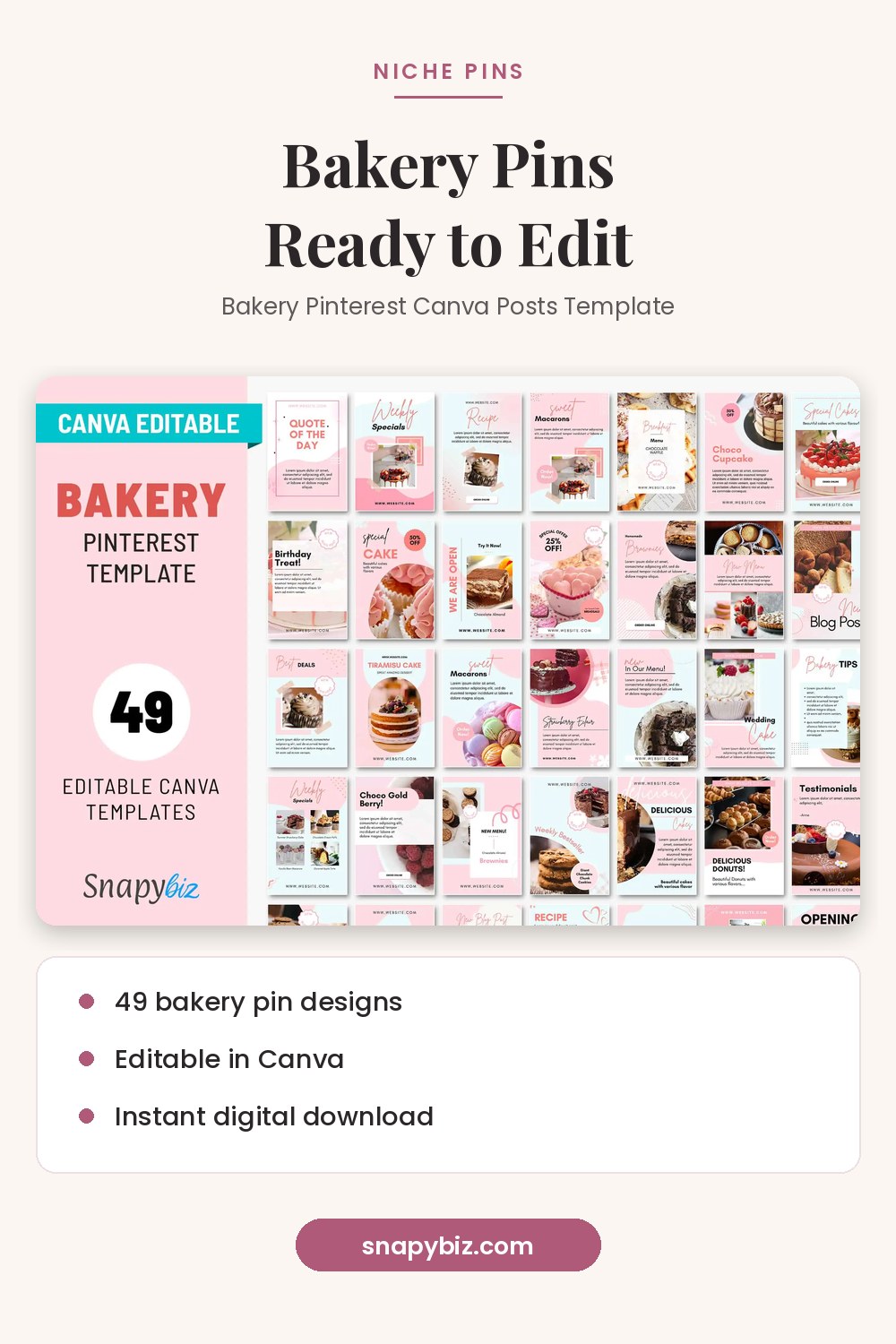

Bakery Pinterest Canva Posts Template
$1.50
Edit it in Canva, then download and print.
Get this templateDoes Pinterest change colors on some images?
Yes. Pinterest adds a faint layer to image pins with white or black backgrounds. On white backgrounds in light mode, it adds black at 4% opacity. On black backgrounds in dark mode, it adds white at 10% opacity. Pinterest also says custom color profiles are not supported, so save images in sRGB.
Templates already at the right size
- Peachy Pinterest Canva Template For Bloggers: 9 free pins at 1000 x 1500.
- Pinterest Template Bundle: 15 Editable Canva Designs: static and video pin designs, $2.00 on October 21, 2026.
- Bakery Pinterest Canva Posts Template: 49 bakery pins, $1.50.
- Pinterest templates page: designs for salons, coaches, real estate, and more.


Pinterest Template Bundle: 15 Editable Canva Designs
$2.00
Stop staring at a blank canvas.
Get this template
Bakery Pinterest Canva Posts Template
$1.50
Edit it in Canva, then download and print.
Get this templateFrequently asked questions
What is the best size for a pin?
1000 x 1500 pixels, a 2:3 ratio. Pinterest recommends it for standard image pins.
Can carousel images be square?
Yes. Pinterest accepts 1:1 or 2:3 for carousel images.
What ratio should a video pin be?
Pinterest recommends square (1:1) or vertical (2:3, 4:5, or 9:16).
What size is a profile cover?
At least 800 x 450 pixels, with a horizontal 16:9 ratio recommended.
Is there an official board cover size?
Pinterest’s board help page does not list one. You choose the cover from pins already saved on that board.
Summary
Use 2:3 and 1000 x 1500 pixels for standard pins, quiz ads, and showcase cards. Use 1:1 or 2:3 for carousels and collections, 9:16 for Idea ads, and 16:9 at 800 x 450 or larger for a profile cover. Save in sRGB and keep text inside safe zones.
References
- Pinterest Help Center. Pinterest product specs.
- Pinterest Help Center. Add a profile cover.
- Pinterest Help Center. Edit a board.