
Quick answer: The best iPhone aesthetic wallpaper is a tall, high resolution image with a calm area at the top for the clock and a simple area at the bottom for your apps. Soft pink, cozy coffee, winter, floral, moon and love themes are the most popular looks right now. Save the image to Photos, then go to Settings, Wallpaper, Add New Wallpaper and pick it.
Your phone is the screen you look at more than any other, so it makes sense that a pretty background can change your mood a little every time you pick it up. An iPhone aesthetic wallpaper is simply a background picked for its look and feeling: a color palette, a texture, a theme that matches your style. It can be a soft pink bow pattern, a warm cup of coffee in a café window, or a quiet full moon over the clouds.
In this guide we share ten aesthetic looks people love this season, explain what makes a wallpaper look sharp instead of blurry, and walk you through setting it on your Lock Screen and Home Screen. Every pack below was designed by the SnapyBiz team and comes with ten wallpapers, so you can switch your screen whenever you want a fresh feel.
What makes an iPhone aesthetic wallpaper look good?
Not every pretty picture works as a phone background. A photo that looks great in a gallery can look busy or blurry once icons and widgets sit on top of it. Here is what to look for before you set one.
The right shape and size
iPhone screens are tall and narrow, close to a 9 by 19.5 ratio. A square or wide photo has to be cropped hard, and you lose the part you liked. Pick an image that is already vertical, ideally at least 1170 pixels wide and 2532 pixels tall. Larger is fine, because your phone scales it down without losing detail. Smaller images get stretched, and that is when edges look soft.
Quiet space for the clock and your apps
On the Lock Screen, the time sits near the top and your notifications stack near the bottom. A wallpaper with a calm area at the top lets the clock stand out. On the Home Screen, a simple pattern or a soft gradient keeps app icons easy to read. Busy photos work better on the Lock Screen, while patterns and textures shine behind icons.
A color story
Most aesthetic setups use two or three colors that repeat across the wallpaper, widgets and even app icons. Blush and cream feel soft and girly. Brown, beige and amber feel cozy. Navy, silver and lilac feel dreamy. Once you choose a palette, matching widgets becomes much easier.
Contrast you can live with
White text on a pale pink background can disappear. If your clock is hard to read, try the Lock Screen style options, which can add a subtle tint, or choose a wallpaper from the same pack with a darker area at the top.
9 aesthetic wallpaper looks to try this season
These are the looks we see saved most on Pinterest right now, from soft pastels to moody night skies. Each pack includes ten designs that fit iPhone and Android phones, and most also work on tablets and laptops.
1. Cozy coffee
Think steaming lattes, coffee beans, a book on a café table and warm window light. Brown and cream tones are easy on the eyes, and they pair well with neutral widgets. This is a favorite for anyone who wants a calm, grown up screen.

Aesthetic Coffee Cozy Android iphone Digital Wallpaper Pack
$2.00
10 warm coffee and café wallpapers in brown and cream tones for a calm, cozy screen.
Get this template2. Pink bow and coquette
The coquette trend is all about ribbons, pastel pink and a little bit of vintage charm. Bow patterns are perfect for the Home Screen because the repeat pattern sits nicely behind app icons, and the soft colors keep everything readable.

Aesthetic Cute Pink Bow Phone Wallpaper
$2.00
10 pastel bow and ribbon patterns, perfect behind your apps for a soft coquette look.
Get this template3. Cozy winter
Snowy cabins, warm candlelight, a mug in mittened hands and blue evening light. A winter background makes your phone feel like a blanket on a cold day, and it carries you right through January and February without looking dated.

Cozy Background Iphone Winter Wallpaper
$2.00
10 snowy, candlelit winter scenes that keep your phone feeling warm all season.
Get this template4. Soft pink floral
Delicate blossoms, pastel petals and lots of white space. If you want something pink that still feels clean, a light floral is a great middle ground. It works on both screens and looks lovely with a white or rose gold phone case.

Pink Floral Wallpaper For Desktop iPhone
$2.00
10 light pink floral designs with soft petals and plenty of white space.
Get this template5. Vintage flowers
Deeper tones like red roses, sunflowers, tulips and moody dark florals. These wallpapers have more contrast, which makes white clock numbers pop on the Lock Screen. They suit anyone who loves a romantic, slightly old world look.

Aesthetic Vintage Flower iphone Android Wallpaper Pack
$2.00
10 rich vintage flower wallpapers with roses, tulips and sunflowers.
Get this template6. Calm blue
Watercolor leaves, soft waves, light blue hearts and gentle gradients. Blue is one of the most restful colors you can put on a screen, and it helps you keep your phone feeling quiet instead of loud.

Aesthetic Seamless Iphone Blue Wallpaper
$3.00
10 calm blue designs with watercolor leaves, waves and soft hearts.
Get this template7. Mystical moon
Glowing full moons, purple night clouds, dark forests and silver light. Dark wallpapers are also kind to your eyes at night, and on iPhones with an OLED screen, darker pixels use a little less power.

Mystical Moon Wallpaper For Android
$2.00
10 glowing moon and night sky wallpapers for a dreamy, dark screen.
Get this template8. Pink cat
Fluffy kittens, pastel backgrounds and a few cheeky glowing cats for a fun twist. A cute animal wallpaper always gets a smile, and it is a sweet small gift for the cat lover in your life.

Digital iPhone Pink Cat Wallpaper
$2.00
10 cute kitten wallpapers on soft pink backgrounds for cat lovers.
Get this template9. Love and hearts
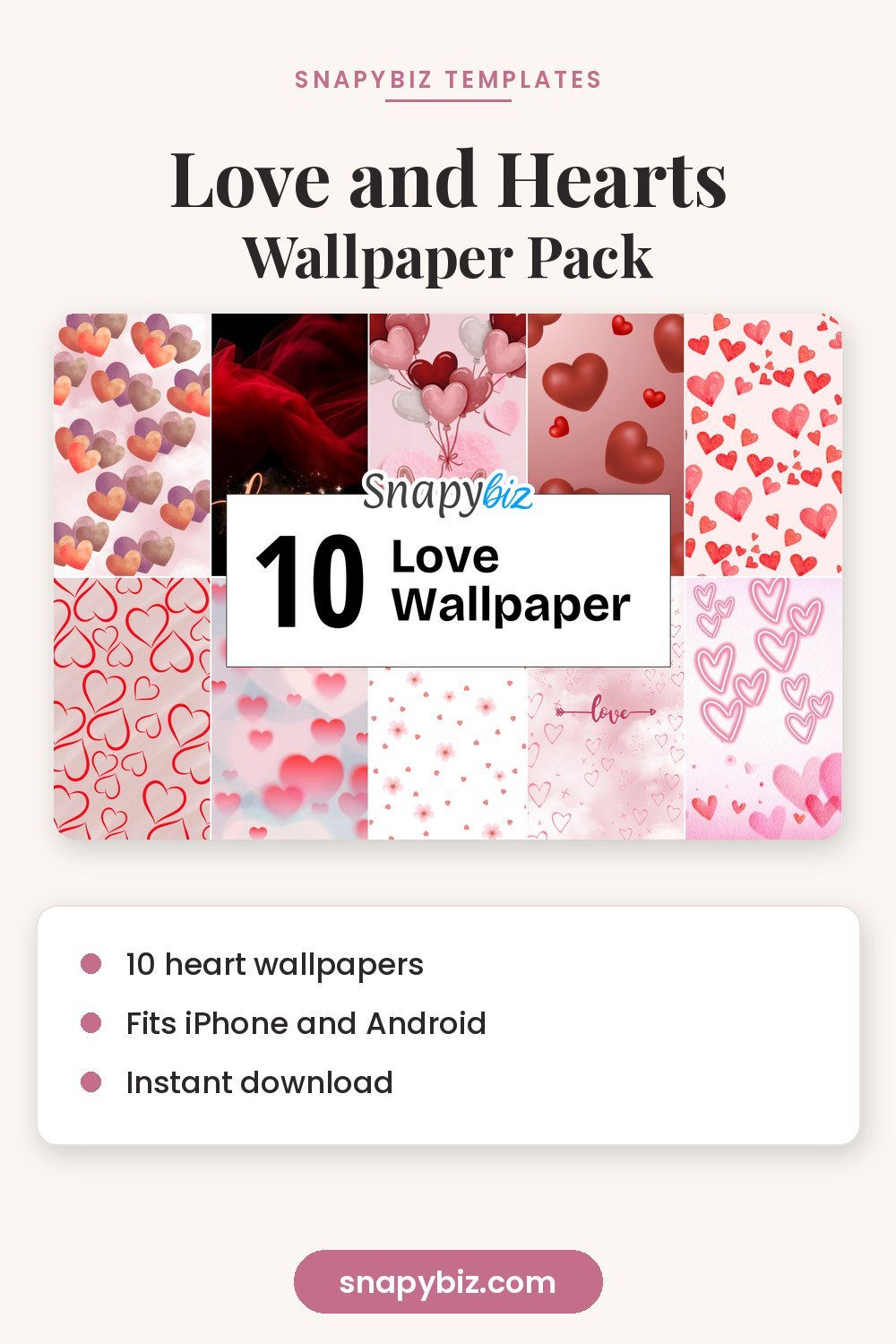
Red and pink hearts, balloons and soft romantic patterns. These are made for Valentine’s season, but plenty of people keep a heart pattern all year because it simply feels happy. If you are planning a Valentine’s activity for little ones too, our Valentine coloring pages are free to print and match the same sweet mood.

Romantic Love Wallpaper for IPhone
$2.00
10 red and pink heart wallpapers with balloons and sweet romantic patterns.
Get this templateHow to set an aesthetic wallpaper on your iPhone
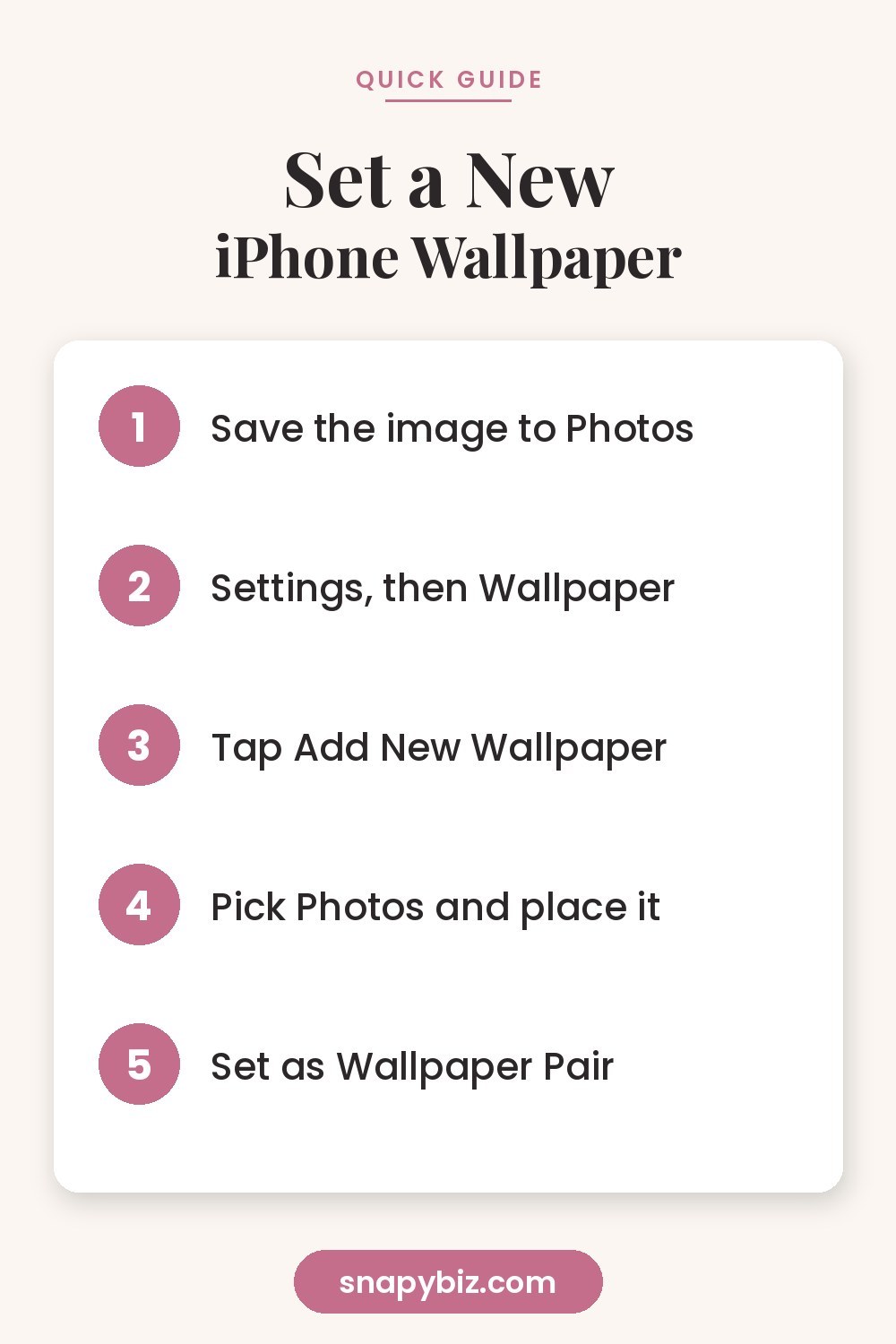
Once you download a pack, save the image you want to your Photos app. If the files arrive in a zip folder, open the Files app, tap the zip to unpack it, then tap an image and use the share button to choose Save Image. After that, follow these steps, which match Apple’s own wallpaper guide:
- Open the Settings app and tap Wallpaper.
- Tap Add New Wallpaper.
- Tap Photos and pick your new wallpaper.
- Pinch to zoom or drag to place it where you like, then tap Add.
- Tap Set as Wallpaper Pair to use it on both screens, or Customize Home Screen to choose a different image behind your apps.
You can also touch and hold your Lock Screen, tap the plus button and add a new wallpaper from there. Swipe between saved wallpapers any time to change your look in a second.
Use two wallpapers from the same pack
This is our favorite trick. Since every pack has ten designs in the same style, you can put a detailed picture on the Lock Screen and a simpler pattern from the same set behind your apps. For example, use a coffee cup photo on the Lock Screen and a coffee bean texture on the Home Screen. It looks planned and polished without any effort.
Try Photo Shuffle
Can’t choose one? In the wallpaper settings, choose Photo Shuffle and select an album with all ten images. Your Lock Screen can change on tap, on lock, every hour or once a day. Make a small album called Wallpapers first so only your favorites show up.
How to set it on Android
Android menus differ a little by brand, but on most phones you touch and hold an empty spot on the Home Screen, tap Wallpaper and style or Wallpapers, then choose My photos or Gallery. Pick the image, adjust the crop and choose Home Screen, Lock Screen or both.
Match your widgets and icons
An aesthetic phone is more than the wallpaper. A few small changes make the whole screen feel like a set:
- Widget colors. Pick a widget style that matches one color in your wallpaper, such as cream for coffee or lilac for the moon set.
- Fewer icons on the first page. Move apps into the App Library or a second page so your wallpaper can breathe.
- One photo widget. A photo widget showing another design from the same pack ties the look together.
- Font and clock style. On the Lock Screen, tap Customize and try a thinner clock font with soft wallpapers and a bold one with dark wallpapers.
If you like planning visuals for your social profiles too, our guide to social media image sizes helps you size every post and story so it looks just as neat.
Change your wallpaper with the seasons
Switching your wallpaper is the easiest way to make your phone feel new. Many people keep a small rotation:
| Season | Aesthetic look | Colors |
|---|---|---|
| Winter | Snowy cabin, candlelight, moon | Navy, white, warm gold |
| Late winter | Hearts and love | Red, blush, white |
| Spring | Pink floral, vintage flowers | Blush, green, cream |
| Summer | Calm blue, soft waves | Sky blue, white |
| Fall | Cozy coffee | Brown, amber, beige |
Because each pack holds ten designs, one download can cover a whole season and still give you something new every week.
Wallpapers make a sweet small gift
A wallpaper pack is a thoughtful little present for a friend who loves pink, a coffee fan or a teen who changes their phone every week. Send the download along with a note, or pair it with a printable card. Our collection of free Canva templates has cards and tags you can personalize in minutes.
Frequently asked questions
What size should an iPhone wallpaper be?
Use a vertical image at least 1170 by 2532 pixels. Bigger images are fine, because the phone scales them down and keeps the detail sharp.
Why does my wallpaper look zoomed in?
The Lock Screen sometimes zooms to allow for motion effects. When you place the wallpaper, pinch out to fit it, and turn off Perspective Zoom if you see that option.
Can I use a different wallpaper on my Lock Screen and Home Screen?
Yes. After adding a wallpaper, tap Customize Home Screen instead of Set as Wallpaper Pair, then choose a second image or a solid color.
Do these wallpapers work on Android phones?
Yes. Every pack is made for tall phone screens, so the images work on Android phones as well as iPhones, and most designs also fit tablets.
How do I save a downloaded wallpaper to Photos?
Open the image in the Files app, tap the share button and choose Save Image. If it is inside a zip folder, tap the zip first to unpack it.
Summary
A great iPhone aesthetic wallpaper is tall, sharp and calm in the spots where the clock and apps sit. Pick a color story you love, from soft pink bows to cozy coffee or a dreamy moon, then set a detailed image on the Lock Screen and a simpler one from the same pack behind your apps. With ten designs in every SnapyBiz pack, you can refresh your screen all season long.
