Quick answer: A gift certificate template should include the business name, a “To” and “From” line, the amount or service, a unique certificate number, an expiration date (or “no expiration”), a signature and short terms on the back. The most common printed size is about 7.5 x 3.25 inches, which fits three per US Letter sheet. Download our free blank template below, or edit a designed one in Canva.
Download the free blank gift certificate template (PDF, 3 per page)
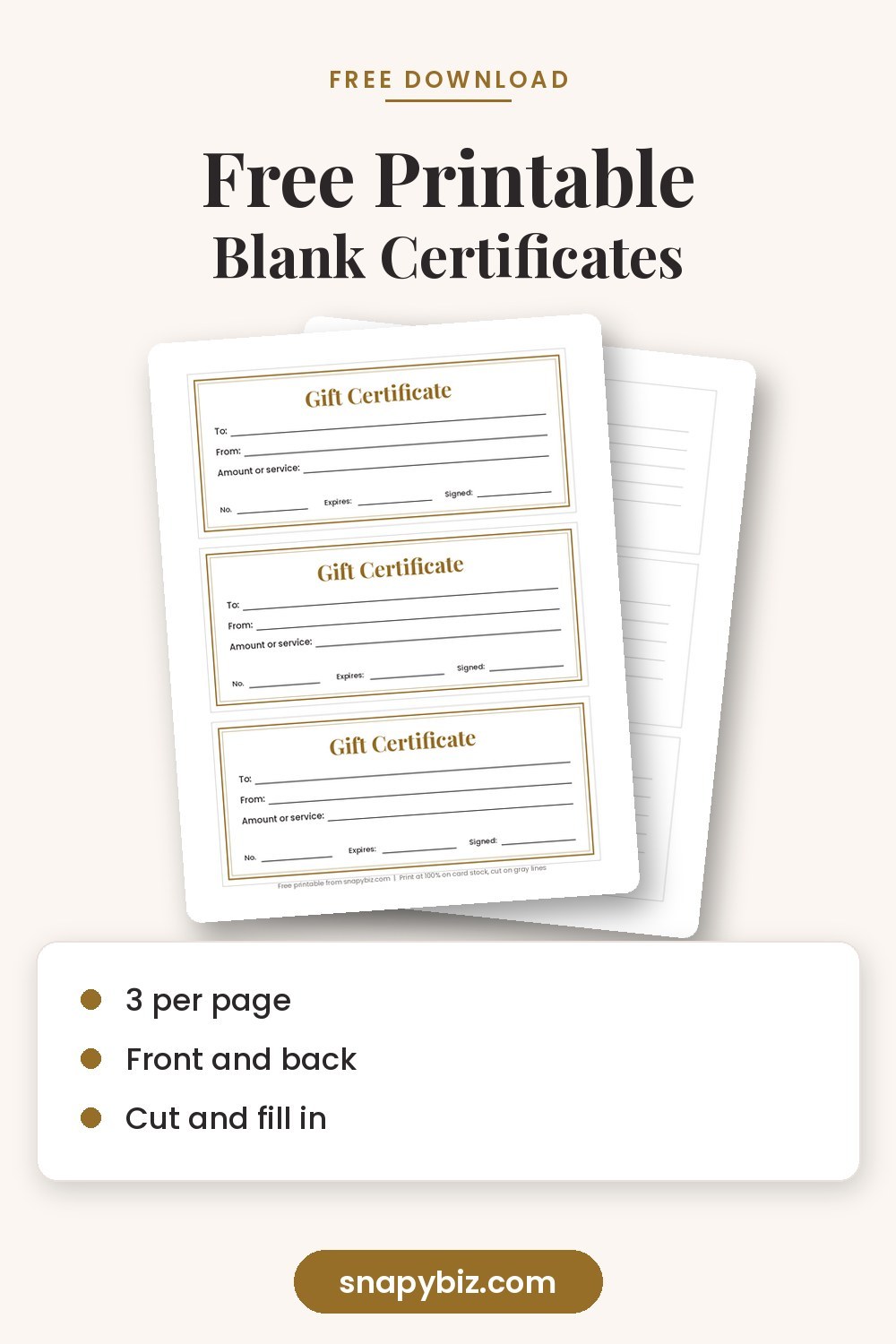
December is the busiest month for gift certificates, and many small shops print them in a rush. This guide is the practical side: what size to use, which fields to add, how to edit a template in Canva or Word, how to number and track every certificate, and how to print so the front and back line up.
Looking for something else? Our free gift certificate template post lists our free and low cost Canva designs. For the words to print, see gift certificate wording, and for offer ideas by business type, see our list of gift certificate ideas.
What size should a gift certificate be?
| Size | Per US Letter sheet | Good for |
|---|---|---|
| 7.5 x 3.25 inches | 3 | Our free template, fits a #10 envelope (4.125 x 9.5 inches) |
| 8.5 x 3.67 inches | 3 | Full width sheets that cut into thirds |
| 7 x 3 inches | 3 | Slim certificates for a gift box or card |
| 5 x 7 inches | 2 | Photo style certificates and framed gifts |
| 3.5 x 2 inches | 10 | Business card size, for small promos |
If you will put the certificate in a card, measure the card first. A 5 x 7 inch card holds a 4.75 x 6.75 inch insert.
Which fields does every template need?
On the front:
- Business name and logo
- “Gift Certificate” title
- To
- From
- Amount or service, for example “$50” or “One 60 minute massage”
- Certificate number
- Expiration date, or “No expiration date”
- Authorized signature or initials
On the back:
- Short terms, such as “Not redeemable for cash” or “Book online with code”
- Address, phone and website
- How to book or redeem
Keep the front simple. The back is where the small print goes. Need words for the terms? Our wording guide has sample terms you can copy.
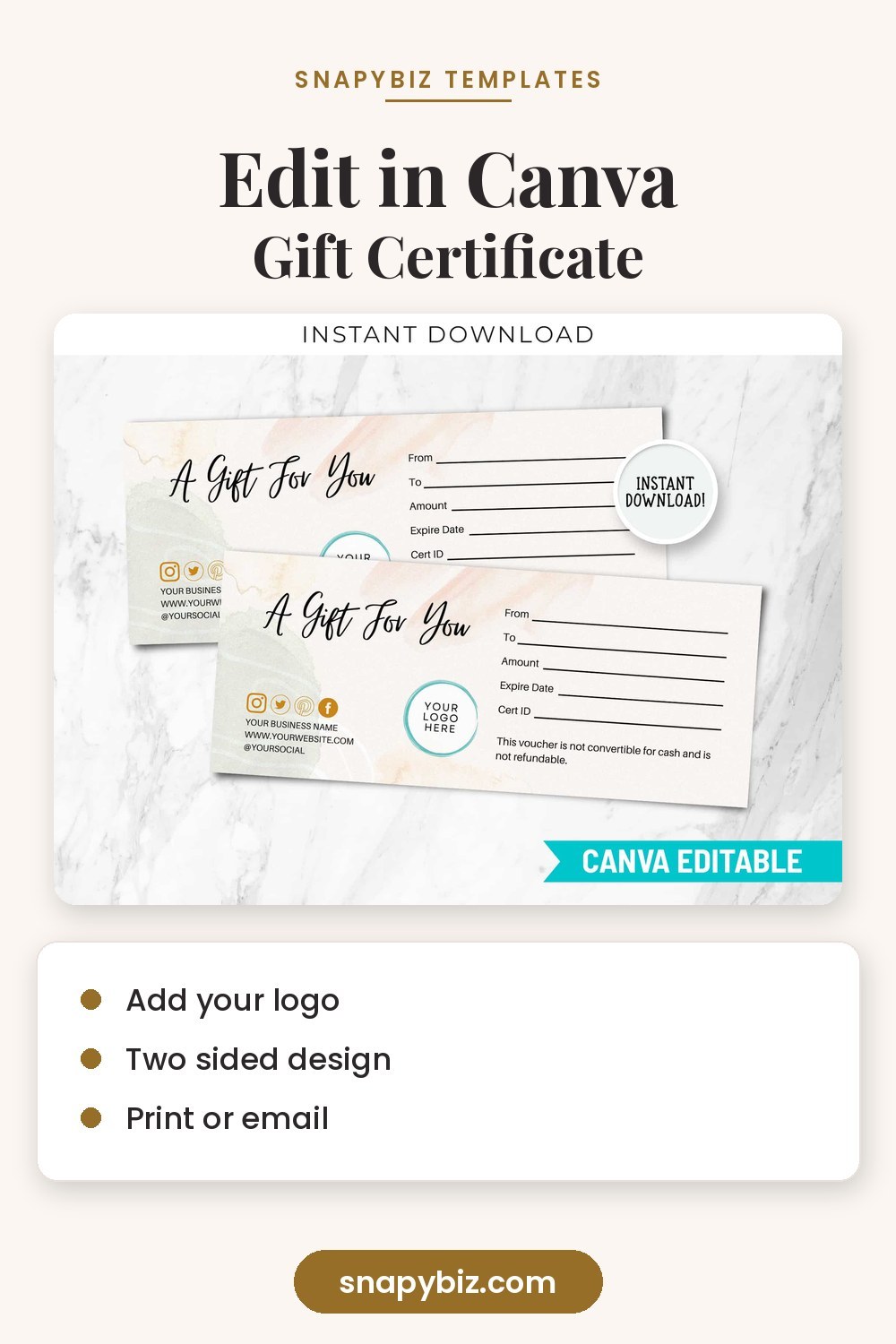

Printable Gift Certificate Template
$1.50
The Printable Gift Certificate Template is an excellent tool for creating custom gift certificates for any occasion.
Get this templateHow do you edit a gift certificate template in Canva?
- Open the template link and click Use template. It opens a copy in your own Canva account.
- Click the business name and type your own. Use Uploads to add your logo.
- Change colors with the color square in the top bar. Match your brand.
- Leave the To, From and Amount lines blank if you will handwrite them, or type each one if you are making a single certificate.
- Add a second page for the back with your terms.
- Click Share, then Download, and choose PDF Print. Canva explains this setting in its print help guide.
New to Canva? Practice on one of our free Canva templates before you edit your certificate.
Can you make one in Microsoft Word?
Yes. In Word, go to File, New and search for “gift certificate.” Pick a layout and type over the sample text. To use our free PDF instead, print it and fill in the lines by hand, which is the quickest way for a shop that sells a few at a time.
How do you number and track certificates?
A number on every certificate stops copies and helps you see what is still out there.
- Start with a simple code, for example GC2026 001, GC2026 002.
- Write each number in a log when you sell it: date, buyer, amount, and who it is for.
- When a customer redeems it, write the date and cross it off.
- Staple or tape the redeemed certificate to the log page.
A plain notebook works, or a spreadsheet with columns for number, date sold, value, buyer and date used. A gift certificate is money you owe your customer, so keep the log as carefully as your sales records.
How should you print gift certificates?
- Paper: 80 to 110 lb card stock for a sturdy feel. Thin paper looks cheap and tears in a wallet.
- Scale: Print at Actual size or 100% so the size stays correct.
- Two sided: Print the front, put the sheet back in the tray, then print the back. Flip on the short edge for our template. Test on plain paper first.
- Cutting: A paper trimmer gives straight edges. Cut on the light gray lines.
- Finish: A gold or kraft envelope, or a small sticker seal, makes even a simple certificate feel like a gift.
Do gift certificates have to last five years?
In the United States, federal rules for gift certificates and store gift cards generally say they cannot expire for at least five years from the date they were bought, and the expiration date must be clearly shown. Some states have stricter rules. We cover this in more detail in our free spa certificate guide. The rule itself is in 12 CFR 1005.20. This is not legal advice, so check your state’s rules too.
Designed templates you can edit today
If you want a finished look without designing from scratch, these SnapyBiz templates are ready to edit.

Gift Certificate Template PDF: Editable Canva Gift Card
$1.50
Give a gift that feels personal, not generic.
Get this template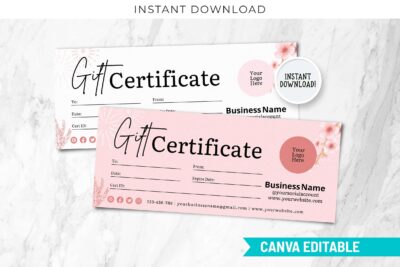
Editable Holiday Gift Certificate Template
$1.50
Edit it in Canva or print it at home, then download instantly.
Get this template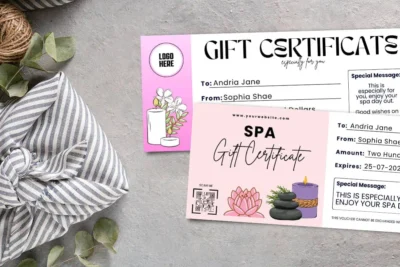
Spa Gift Certificate Template: Free Printable Voucher
Free
Give the gift of relaxation with this spa gift certificate template, free to edit in Canva and easy to print at home.
Get this free template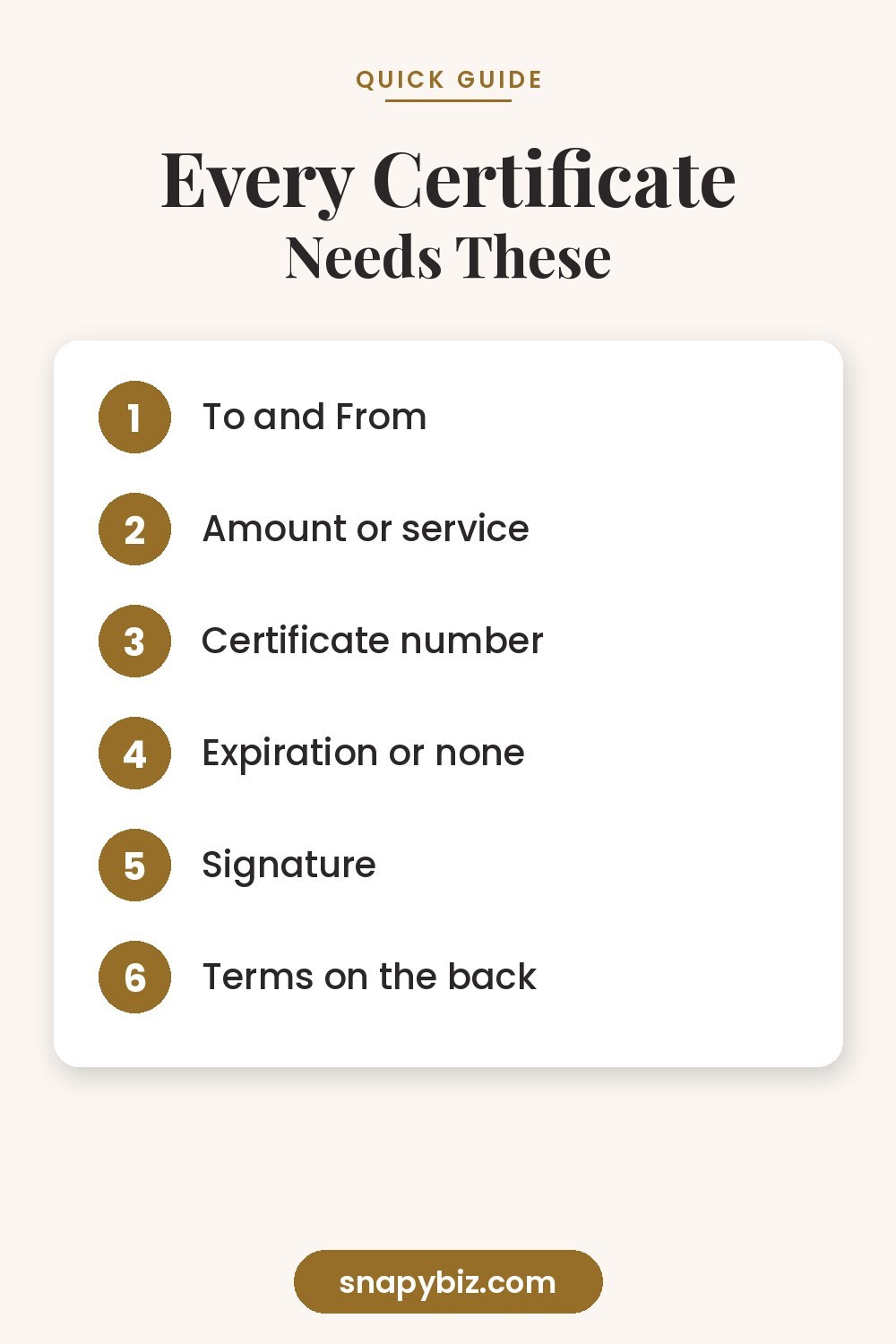
Frequently asked questions
What is the standard size of a gift certificate?
There is no single standard, but most printed certificates are about 7.5 x 3.25 or 8.5 x 3.67 inches, which fit three to a US Letter page.
What paper is best for printing gift certificates?
Use 80 to 110 lb card stock. Matte card stock is easiest to write on with a pen.
Can I make a gift certificate for free?
Yes. Print our free blank template and fill it in by hand, or edit our free spa design in a free Canva account.
Should a gift certificate have an expiration date?
You can add one, but in the US it generally must be at least five years from the sale date, and some states do not allow expiration at all. Many shops simply print “No expiration date.”
How do I stop people from copying certificates?
Use a unique number, sign each one by hand, and keep a log. A colored card stock or an embossed seal also makes copies easy to spot.
Summary
Choose a size that fits three per page, add the core fields, number every certificate and keep a log. Edit a designed template in Canva or Word, print on heavy card stock at 100%, and put short terms on the back.