Quick answer: SnapyBiz has a free editable family reunion certificate at 10 x 8 inches that you can edit in a free Canva account and save as a PDF. For school, sports, teacher, veteran, and employee awards, SnapyBiz designs cost $1.50 each when we checked. All of them print at home on cardstock.
A printed certificate is a small thing that people keep for years. Kids pin them on the fridge. Employees tuck them in a drawer. This guide shows which SnapyBiz certificate fits each event, what to write, and how to print it so it looks sharp.
Which certificate is free?
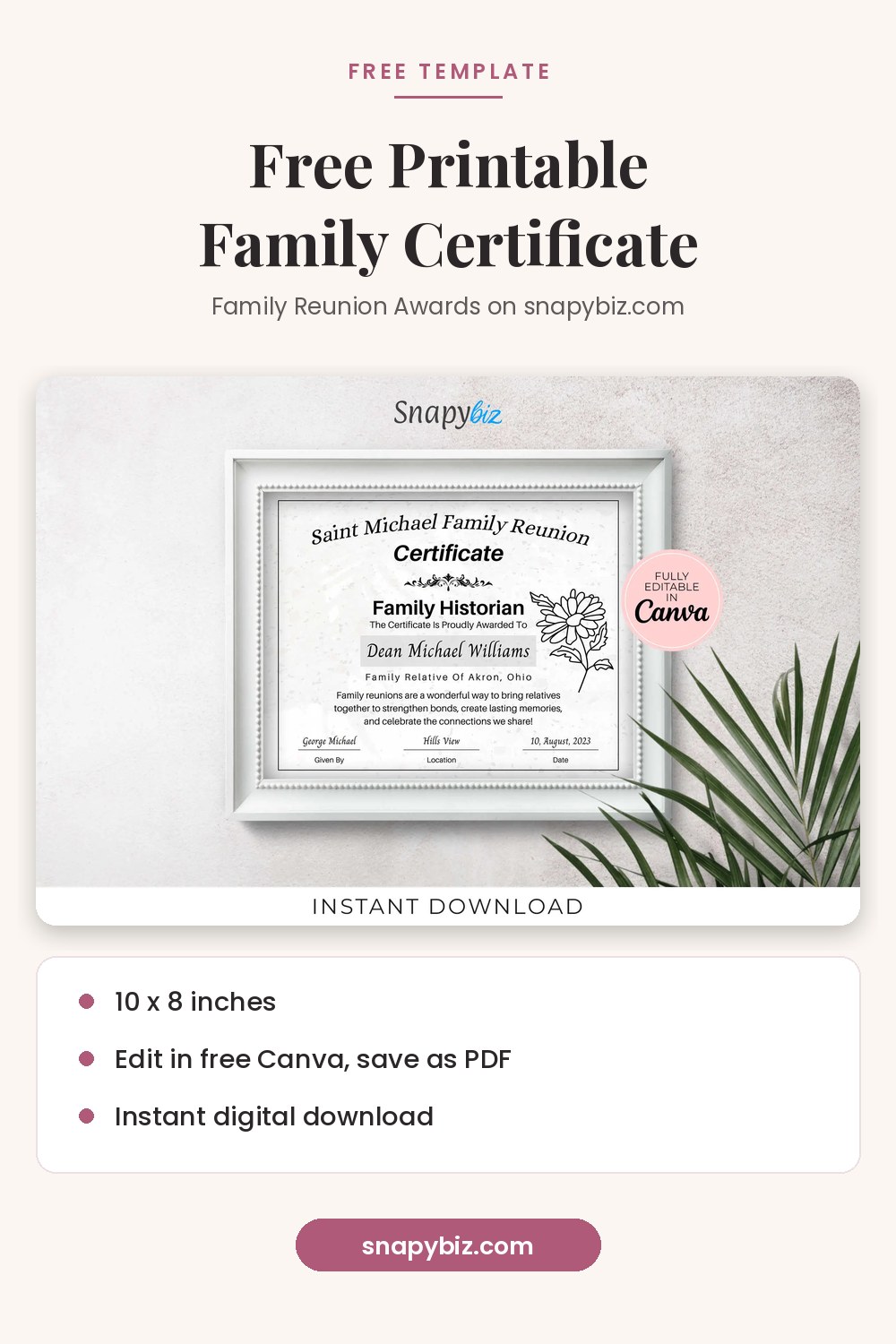
The Family Reunion Certificates: Free Family Reunion Awards template was $0.00 on October 21, 2026. Here is what the listing includes:

Family Reunion Certificates: Free Family Reunion Awards
Free
Honor every guest with editable family reunion certificates they will proudly display.
Get this template| Detail | Free family reunion certificate |
|---|---|
| Templates | One editable certificate |
| Size | 10 x 8 inches |
| Editor | Free Canva account |
| Save as | Printable PDF |
Use it for reunion games, family trivia, or “best dancer” style awards. Every word is editable, so you can also use it for a birthday party or a neighborhood event. If you need many award titles at once, the Family Reunion Certificate Canva Template Bundle has 100 templates for $4.00.

Family Reunion Certificate Canva Template Bundle
$4.00
Family Reunion Certificate Canva Template Bundle with editable and printable certificate designs, perfect for celebrating special family reunion moments.
Get this templateCertificates for school
| Template | Size | Price |
|---|---|---|
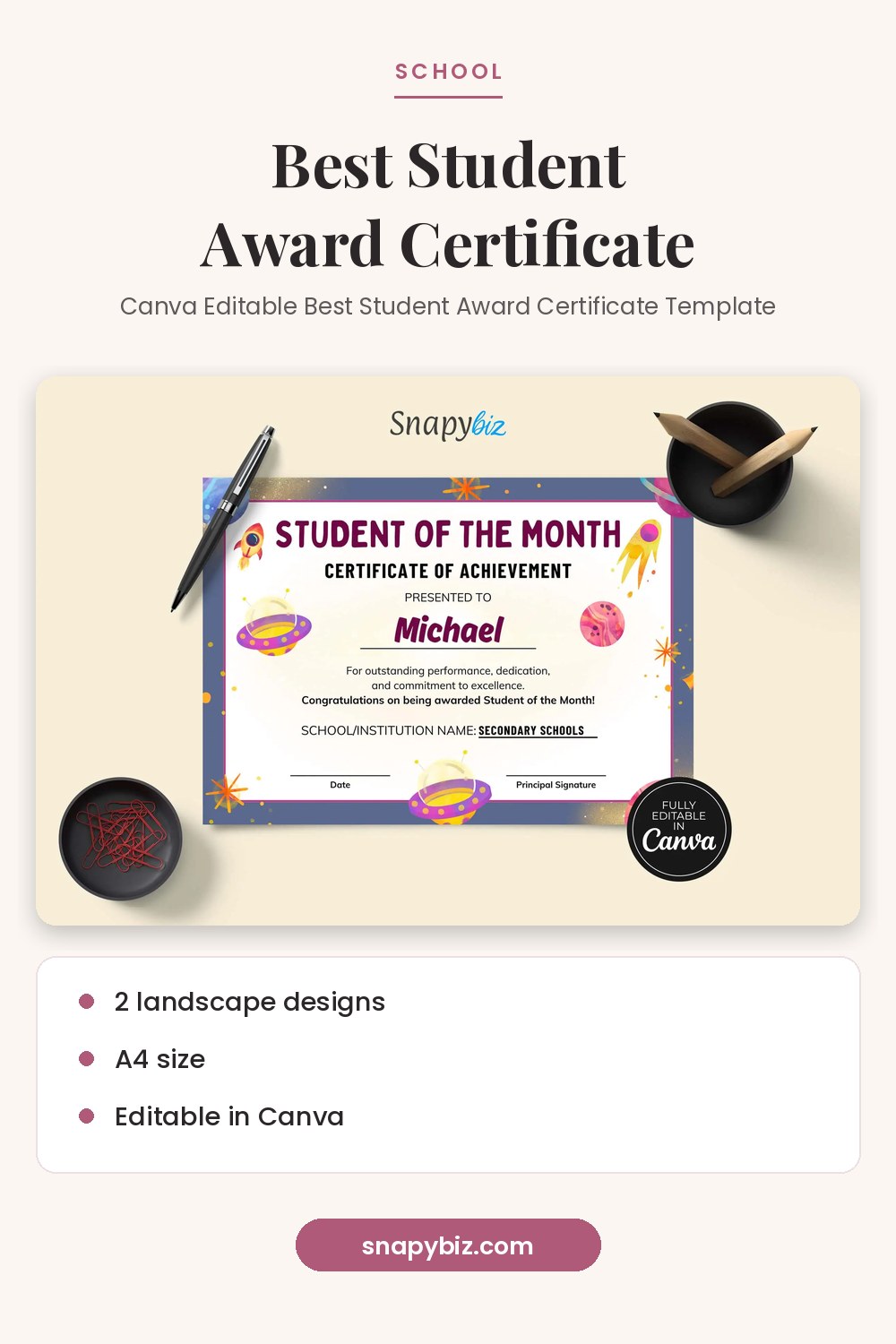
| Canva Editable Best Student Award Certificate Template | A4 landscape, 2 designs | $1.50 |
| Printable Award Certificate For Kids | 11 x 8.5 inches | $1.50 |
| School Award Certificate | 11 x 8.5 inches | $1.50 |
| Editable Teacher Appreciation Certificate Template | A4, 2 designs | $1.50 |

Canva Award Template: Editable Best Student Certificate
$1.50
Design polished student award certificates in minutes with this editable Canva award template.
Get this templateTeachers often print one for every student at the end of the year. Make the first one in Canva, then duplicate the page and change only the name and award line.
Certificates for sports teams
| Template | Size | Price |
|---|---|---|
| Canva Soccer Award Certificate Template Bundle | 100 certificates, 11 x 8.5 inches | $3.00 |
| Bowling Certificate Template: Best Team Player Award | A4 landscape, 2 designs | $1.50 |
| Editable Golf Award Certificates Canva Templates | Editable in Canva | $1.50 |
Certificates for work
| Template | Size | Price |
|---|---|---|
| Employee of the Year Certificate Template Canva | A4, 2 designs | $1.50 |
| Certificate Of Appreciation Template | A4, 2 designs | $1.50 |
| Editable Modern Blue Award Certificate Template | A4, 2 designs | $1.50 |
| Veteran Certificate of Appreciation Template: Veterans Day | A4, 2 designs | $1.50 |
See every design on the certificate templates page.
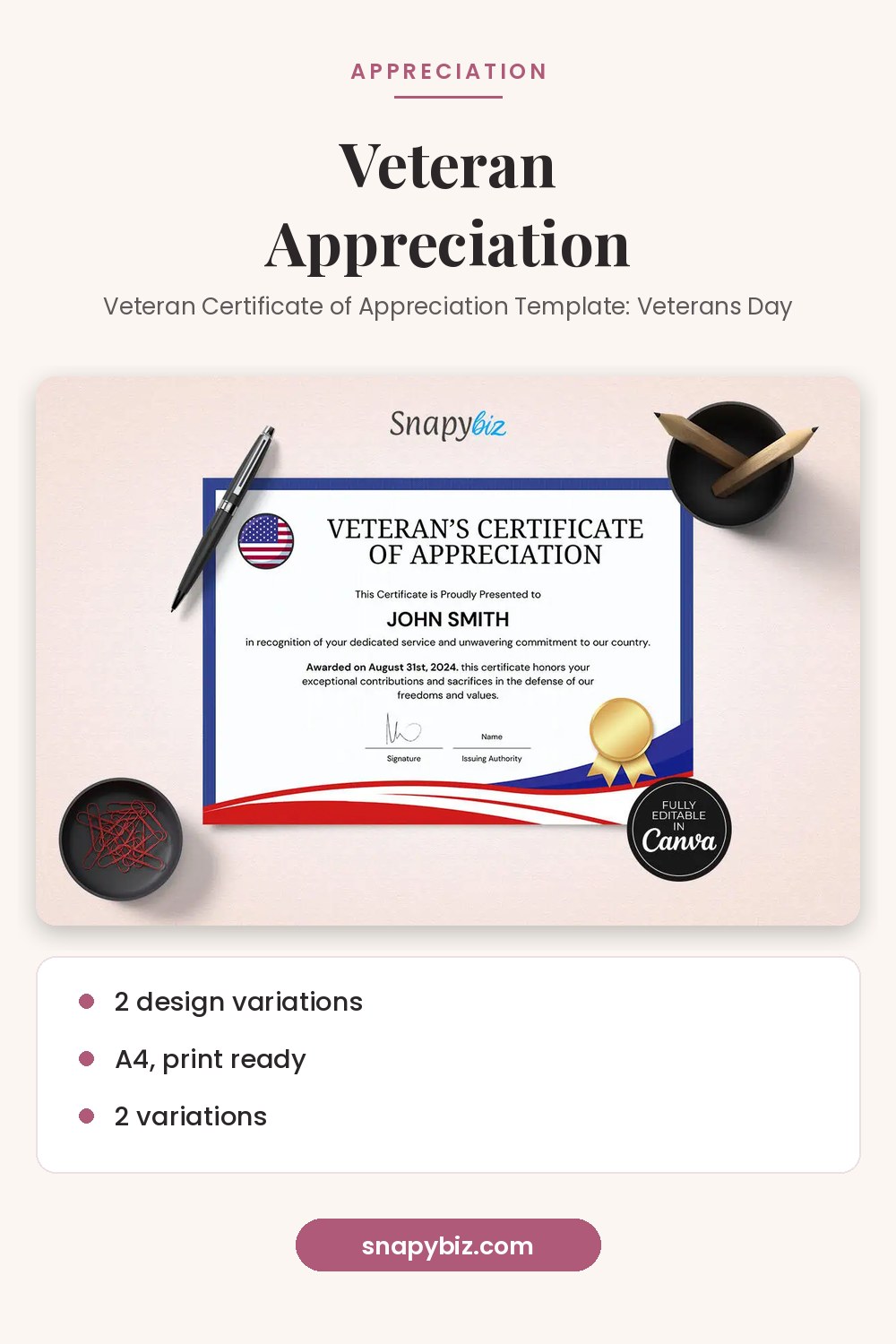
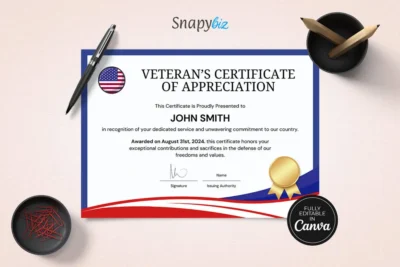
Veteran Certificate of Appreciation Template: Veterans Day
$1.50
Honor the veterans in your life with this editable veteran certificate of appreciation template.
Get this templateWhat should a certificate say?
Most certificates use the same six parts:
- Title: Certificate of Achievement, Appreciation, or Completion.
- Presented to: The person’s full name, spelled correctly.
- Reason: One line, such as “for perfect attendance” or “for 10 years of service.”
- Date: The day it is given.
- From: The school, team, company, or family name.
- Signature: One or two signature lines.
Keep the reason short and specific. “For helping every new player feel welcome” means more than “for being great.”
How do you print a certificate at home?
- In Canva, choose Download and pick PDF Print. Canva’s file type guide says this gives 300 dpi with the option to add bleed and crop marks.
- Use white or cream cardstock. It feels sturdier than copy paper.
- Match the paper to the design. A4 designs are 210 x 297 mm. US Letter is 8.5 x 11 inches. If your paper is different, check the print preview so nothing gets cut off.
- Print one test page before printing a full class or team set.
- Sign in blue or black ink, and let it dry before stacking.
Do you need Canva Pro?
No. SnapyBiz says its templates work with a free Canva account, and the free family reunion listing says the same. If a design includes a Pro element, you can replace it with a free one. Canva explains the free and paid plans on its pricing page.
Frequently asked questions
Is the family reunion certificate really free?
Yes. It was $0.00 on October 21, 2026. You get one editable certificate at 10 x 8 inches.
Can I use one certificate for many people?
Yes. Duplicate the page in Canva, change the name on each copy, and download them all as one PDF.
What paper is best for certificates?
White or cream cardstock looks the most like a store bought certificate. Check that your printer can feed thicker paper.
Can I change the award title?
Yes. Every text field on SnapyBiz certificates is editable in Canva.
What size are most of these certificates?
Most are A4 or 11 x 8.5 inches in landscape. The free family reunion certificate is 10 x 8 inches.
Summary
Start with the free family reunion certificate for family events. For school, sports, and work, SnapyBiz designs cost $1.50 each, and bundles add many award titles at once. Write a short, specific reason, download as PDF Print, and print on cardstock after a test page.
References
- Canva Help Center. Choose the right download file type.
- Canva. Pricing.