Quick answer: A free bill tracker printable is a one page sheet where you list every bill, its due date, amount and a box to tick when it is paid. Fill it in at the start of each month, sort bills by due date, check it twice a week, and tick each box the day you pay. Download our free bill payment calendar below to start this month.
Late fees are one of the most annoying ways to lose money, because you had the cash all along. You simply forgot that the water bill was due on the 14th or that the car insurance moved to a new date. A free bill tracker printable puts every due date in one place, so nothing slips through the cracks and you stop paying for forgetting.
In this guide you will learn what to include on a bill tracker, how to set one up in about 20 minutes, and a few simple habits that keep it working month after month. You will also find the free and low cost bill printables our team designed, each one ready to print at home.
Why use a free bill tracker printable?
Most of us pay bills from several places: some by autopay, some through an app, some by card on a website and a few by check. Each one has its own date and reminder style. A printed tracker pulls them together.
- One page, every bill. You see the whole month at a glance instead of checking six apps.
- Fewer late fees. When the due date is written next to a tick box, it is hard to miss.
- Better cash flow. You can see which bills land before payday and which come after.
- Proof of payment. Writing a confirmation number gives you a quick record if a payment goes missing.
- Less mental load. You stop trying to remember everything, because the page remembers for you.
What to include on your bill tracker
A useful bill tracker has a column for each of these:
| Column | What to write | Why it helps |
|---|---|---|
| Bill name | Rent, electric, phone, card | Know what is due |
| Due date | The day of the month | Sort in order of dates |
| Amount | Exact or estimated | Plan cash before payday |
| How you pay | Autopay, app, website, check | Know where to go |
| Paid | Tick box or date paid | See what is done |
| Confirmation | Number or note | Proof if something goes wrong |
Some people also add a notes column for things like “price went up in March” or “call to cancel after trial”. That small habit catches creeping costs before they add up.
Our free bill payment calendar
If you like seeing bills on a calendar instead of a list, this free printable shows the whole month as a grid. Write each bill on its due date, then cross it off when it is paid. It is perfect for visual planners and for anyone who wants to see busy weeks coming.
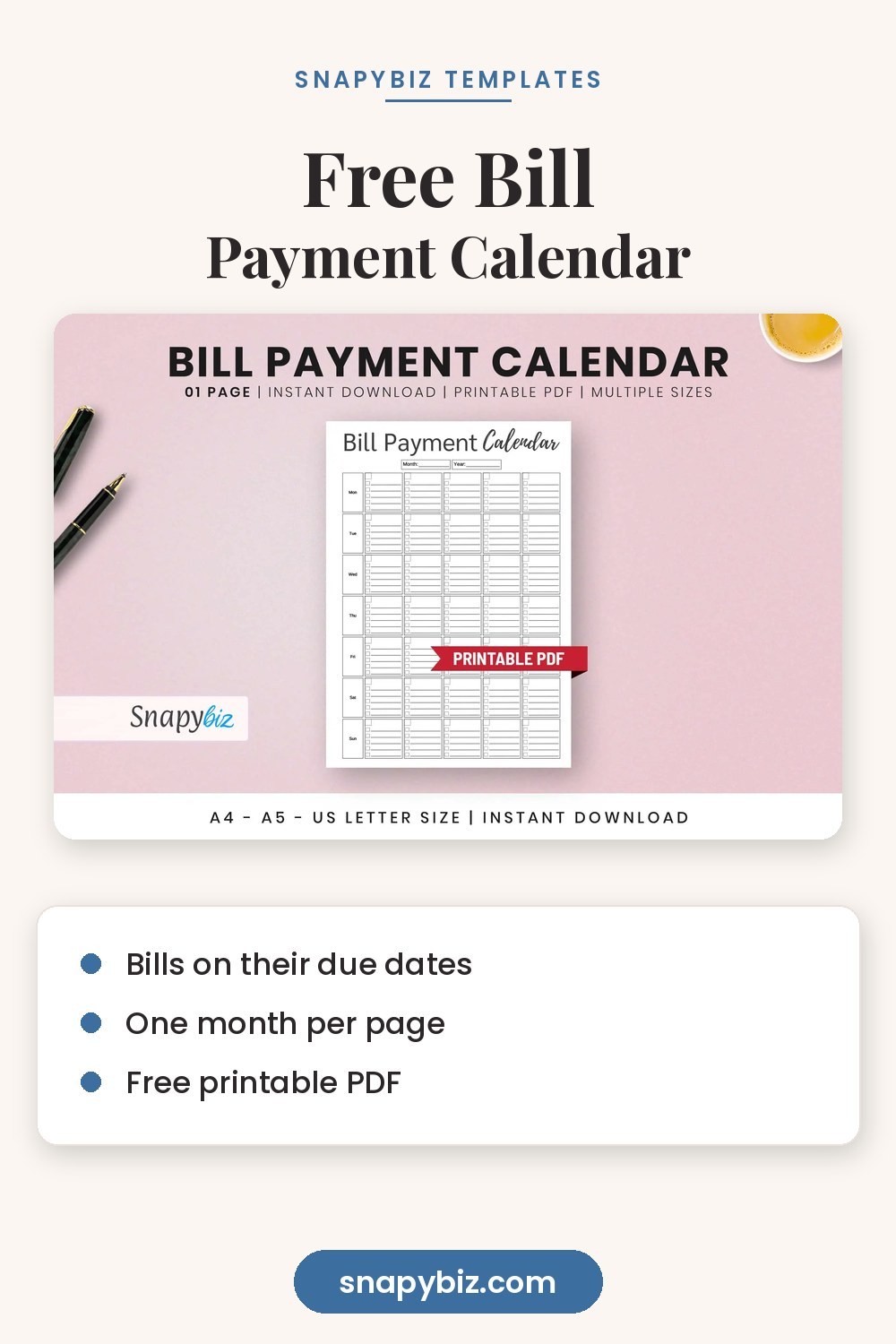
Bill Payment Calendar: Free Printable Bill Organizer
Free
A free monthly calendar page to write every bill on its due date and cross it off when paid.
Get it freeHow to set up your bill tracker in 20 minutes
You only need your bank statements, a pen and your printed sheet.
- Gather the last two months of statements. Look at your bank account and every credit card. Highlight anything that repeats.
- List every recurring bill. Housing, utilities, phone, internet, insurance, car payment, loans, credit cards, childcare, subscriptions, memberships and any payment plans.
- Find each due date. Check the bill itself or the provider’s app. Write the day of the month, not the full date, so the list works every month.
- Sort by date. Rewrite the list in order from the 1st to the 31st. This is the step most people skip, and it makes the biggest difference.
- Mark how each one is paid. Put an A next to autopay bills so you know to check the account balance instead of paying by hand.
- Add yearly and quarterly bills. Car registration, annual subscriptions, property tax or school fees. Write them at the bottom with the month they are due.
- Total it up. Add up the monthly amounts so you know your bill number for the month.
Monthly bill tracker vs bill calendar vs bill organizer
All three keep you on time. The best one depends on how your brain works.
- Monthly bill tracker: a simple list with tick boxes. Best for people with many bills who like checklists.
- Bill payment calendar: bills written on the date they are due. Best for visual planners and for seeing busy weeks.
- Bill organizer: a full page with space for income, bills, totals and notes. Best for people who want bills and cash flow on one sheet.
Fillable monthly bill tracker
This tracker lists your bills with due dates, amounts and paid boxes. The fillable A4 version lets you type directly into the PDF on your computer, then print or save a copy for each month.
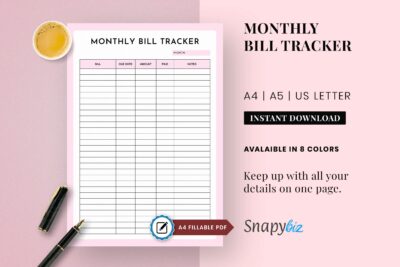
Fillable Monthly Bill Tracker Printable
$1.50
A one page bill list with due dates, amounts and paid boxes, plus a fillable A4 PDF.
Get this templateMonthly bill organizer
A single page organizer that keeps bills and income side by side, so you can see what is left after everything is paid.

Monthly Bill Organizer Spreadsheet
$1.50
A single page bill organizer in A4, A5 and US Letter to keep bills and totals together.
Get this templateHabits that make bill tracking work
A tracker only works if you look at it. These habits take minutes and save hours of stress.
Pick two bill days a month
Instead of paying each bill on its own date, sit down twice a month, right after each payday if you are paid biweekly. Pay everything due before the next bill day. It is less to remember and fewer chances to forget.
Use autopay carefully
Autopay is great for fixed bills like a car loan or insurance. For bills that change, like a credit card, set autopay to at least the minimum payment, then pay the rest by hand once you check the statement. Always keep a buffer in your account so an autopay never bounces.
Keep the tracker where you will see it
Clip it to the fridge, tuck it in the front of your planner or keep it on a clipboard by your desk. Out of sight really is out of mind.
Review subscriptions every quarter
Look at your list every three months and ask: do I still use this? Streaming services, apps and memberships are the easiest place to free up money.
Check your bank balance before big due dates
Rent and car payments are the bills that hurt most when they bounce. Two days before, check that the money is there.
Pair your bill tracker with a budget
A bill tracker tells you when money leaves. A budget tells you how much you have to work with. Used together, they give you a full picture. Copy your bill total onto your budget sheet as the fixed expense line, then plan groceries, savings and fun money with what is left. Our guide to free printable budget sheets shows you how to fill one in step by step.
If you plan your year on paper, write quarterly and yearly bills straight onto a 2027 calendar printable so they never surprise you. For a full system of weekly and monthly pages, see our free printable planner collection.
Printing tips
- Print on 24 lb or 32 lb paper so gel pens and highlighters do not bleed through.
- Print 12 copies at once and keep them in a folder, one for each month.
- Use a highlighter color for each payment method, such as green for autopay and pink for manual.
- For a reusable tracker, slide the page into a sheet protector and use a dry erase marker.
- Keep the paid trackers. At tax time or when you dispute a charge, they are a quick record.
Frequently asked questions
What should a bill tracker include?
At minimum, the bill name, due date, amount and a paid box. Adding the payment method and a confirmation number makes it even more useful.
Is a bill tracker the same as a budget?
No. A bill tracker lists what is due and when. A budget plans all your money, including groceries, savings and fun. They work best together.
How do I keep track of bills that change every month?
Write an estimate based on the last three months, then update the amount when the bill arrives. Utilities and credit cards often change, so check those on your bill day.
Should I track autopay bills too?
Yes. Autopay can fail if your card expires or your balance is low. Tick the box once you see the payment clear on your bank statement.
How often should I check my bill tracker?
Look at it at least twice a week, or on your two bill days each month. A quick glance is all it takes.
Summary
A free bill tracker printable keeps every due date on one page so you stop paying late fees for forgetting. List each bill with its date, amount and payment method, sort them by date, and tick each one off as it is paid. Set two bill days a month, use autopay with care, and pair your tracker with a monthly budget for the full picture. Start with our free bill payment calendar and add a fillable tracker when you want more space.