Quick answer: SnapyBiz has free planner pages for each part of a busy week: a simplified daily planner and to do list, a weekly planner, a bill payment calendar, an income tracker, a sinking fund tracker, a weekly meal planner, a daily menu planner, and a grocery list. Download the PDFs, print what you need, and keep them in one binder.

Free
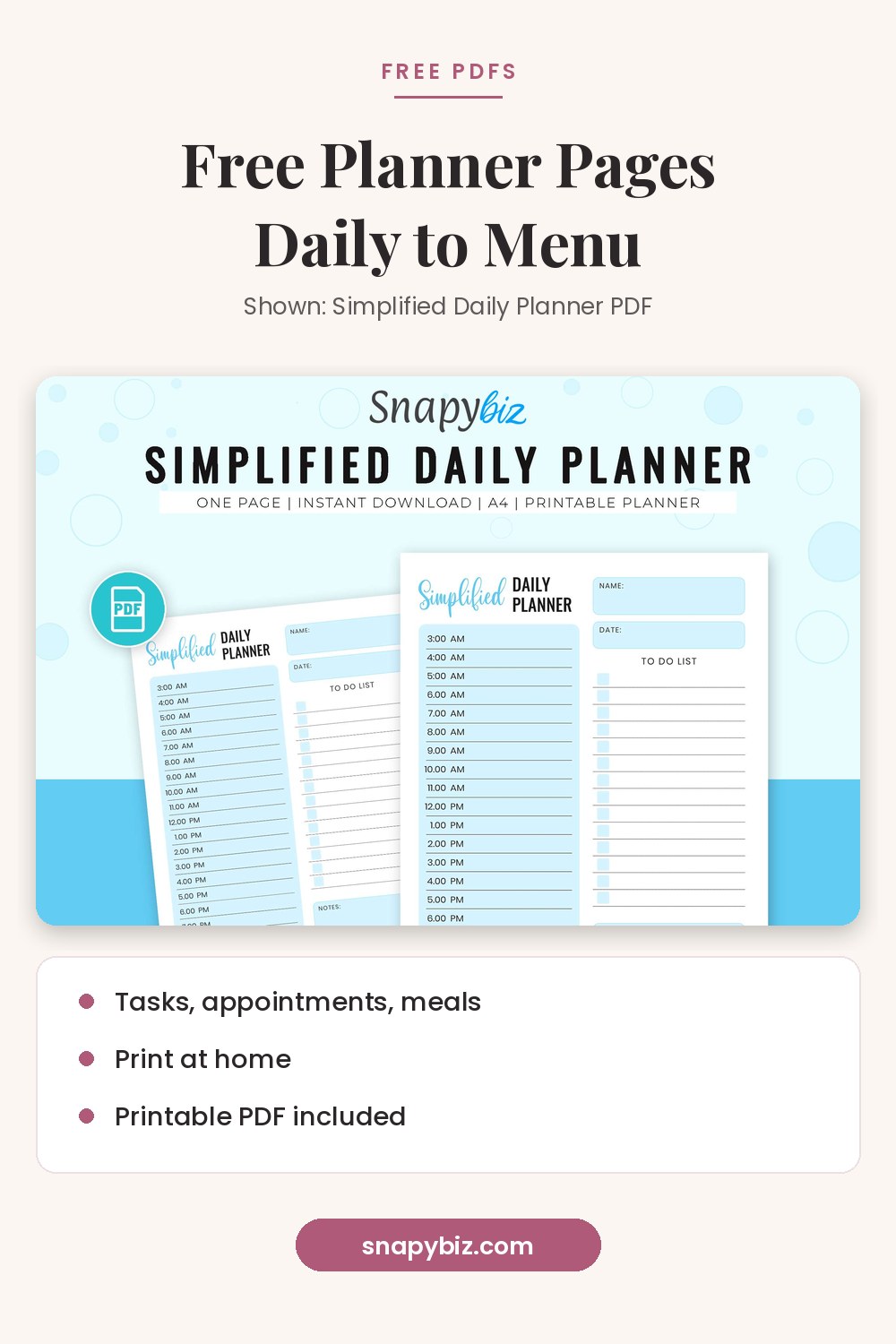
Stay organized and productive with our Simplified Daily Planner Pdf perfect for managing tasks, appointments, meals, and notes.
Get this templateOne planner rarely covers everything. A daily page handles today. A weekly page shows what is coming. A budget page keeps bills on track, and a menu page answers “what’s for dinner?” before 5 p.m. Here is how to mix the free pages into one simple system.
Which free planner pages are available?
| Planner page | What it helps with | Price on Oct 21, 2026 |
|---|---|---|
| Simplified Daily Planner PDF | Tasks, appointments, meals, and notes for one day | $0.00 |
| Free Daily To Do List Printable PDF | Daily priorities and errands | $0.00 |
| Glance Weekly Planner | Your whole week on one page | $0.00 |
| Bill Payment Calendar: Free Printable Bill Organizer | Bill names, due dates, and payments by month | $0.00 |
| Free Printable Income Tracker | Income and expenses for 12 months | $0.00 |
| Sinking Fund Tracker Free: Printable PDF Template | Saving for big future costs | $0.00 |
| Best Finance Planner | Overall money planning | $0.00 |
| Free Weekly Meal Planner Printable | A 7 day menu | $0.00 |
| Free Daily Menu Planner | Meals for one day | $0.00 |
| Printable Grocery Shopping List PDF | A sorted shopping list | $0.00 |
| Free Printable Vacation Planner | Trip plans and packing | $0.00 |

Free
Stay organized and productive with our Simplified Daily Planner Pdf perfect for managing tasks, appointments, meals, and notes.
Get this template
Free Daily To Do List Printable PDF
Free
Organize your day with our Daily To Do List Printable.
Get this template
Free
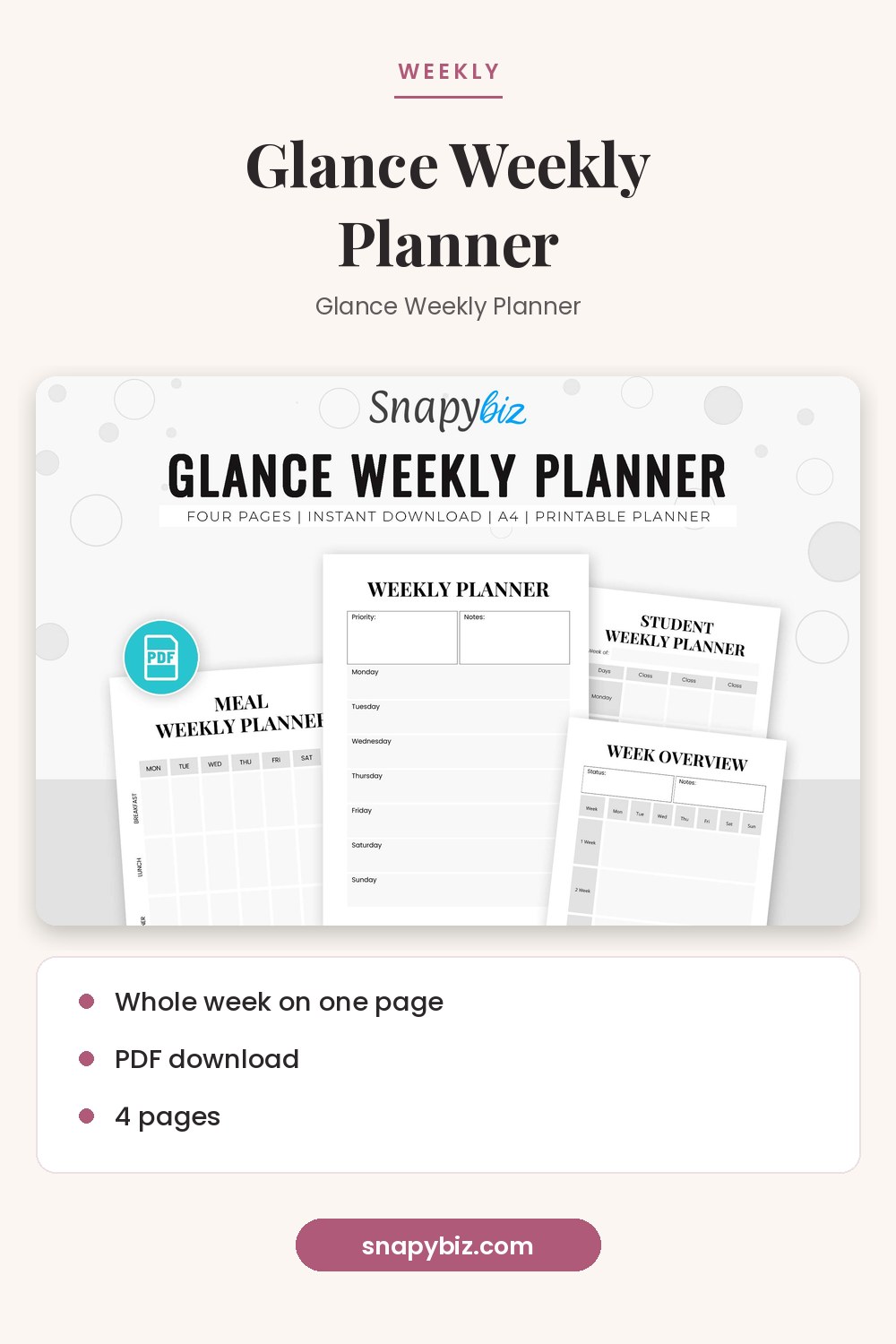
This is a Glance Weekly Planner to deal with your day by day life and to assist with accomplishing your objectives.
Get this templateHow do you use a daily planner page?
Fill it in the night before or first thing in the morning. Write your top three tasks first. Then add fixed times, like appointments or school pickup. Leave a few lines for notes. The Simplified Daily Planner has space for tasks, appointments, meals, and notes on one page, so you only need one sheet per day.
How do you use a weekly planner page?
Plan the week on Sunday. Add work hours, events, and due dates. Then copy each day’s big items onto that day’s daily page. A weekly page helps you see busy days early, so you can move tasks to lighter days.
How do budget planner pages work together?
The Consumer Financial Protection Bureau’s budgeting guide lays out a simple order: list your income, track your spending, write down when each bill is due, and then build a working budget. The free SnapyBiz pages line up with those steps:
| CFPB step | Free page to use |
|---|---|
| Know your income | Free Printable Income Tracker |
| Track your spending | Free Printable Income Tracker (expense side) |
| Know when bills are due | Bill Payment Calendar |
| Plan for big costs | Sinking Fund Tracker |
| Build a working budget | Best Finance Planner |
The CFPB also suggests starting small, even one week at a time, and logging small daily costs, which add up over time. It notes that missed or late payments can hurt your credit scores, which is why a bill calendar helps.
How do menu planner pages save time?
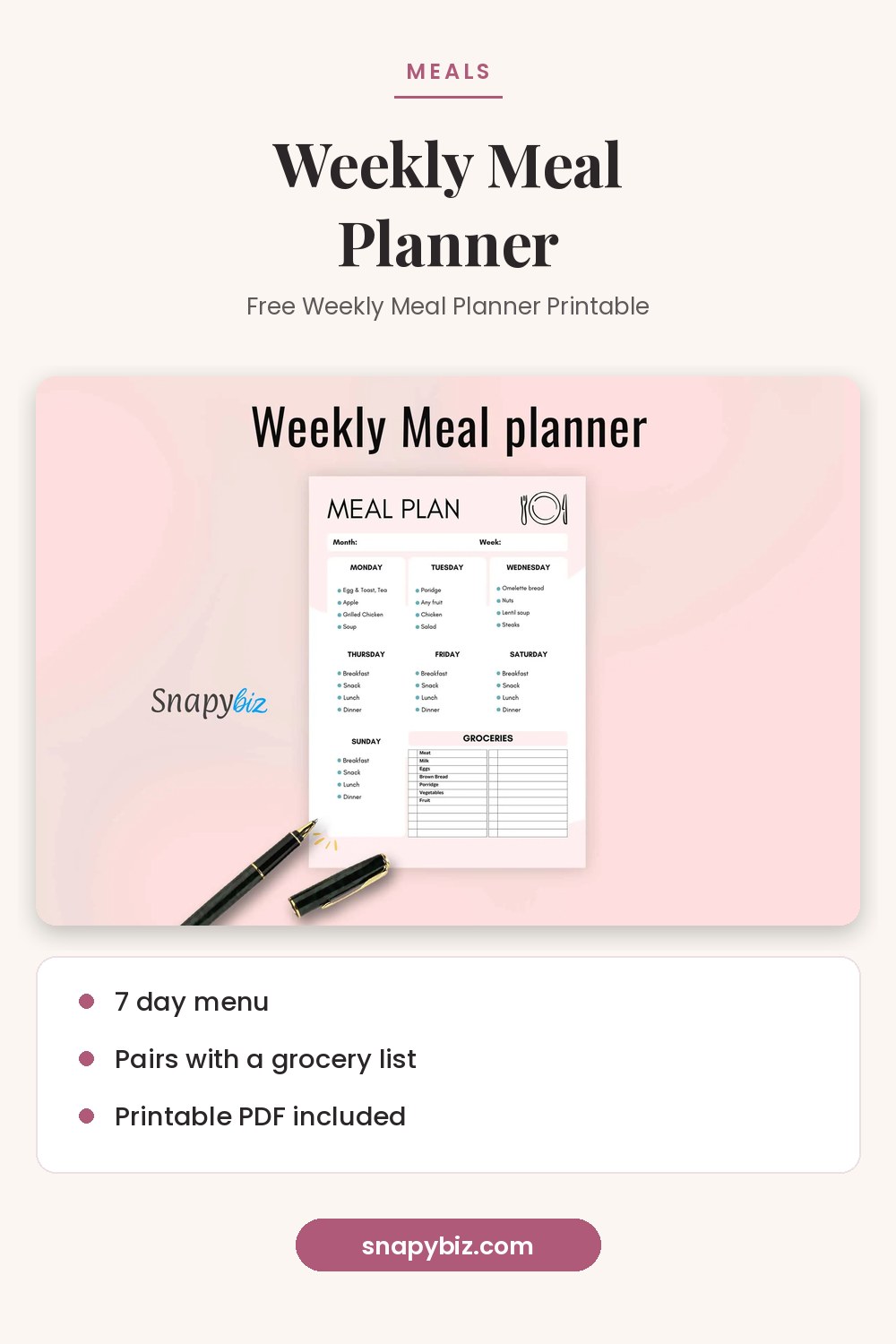
Plan meals once a week on the Free Weekly Meal Planner. Then write every ingredient you need on the grocery list, sorted by store section. Use the Free Daily Menu Planner on days you want more detail, such as a party or a diet change. Planning ahead means fewer last minute trips to the store.
Free Weekly Meal Planner Printable
Free
Stay organized with this Weekly Meal Planner !
Get this template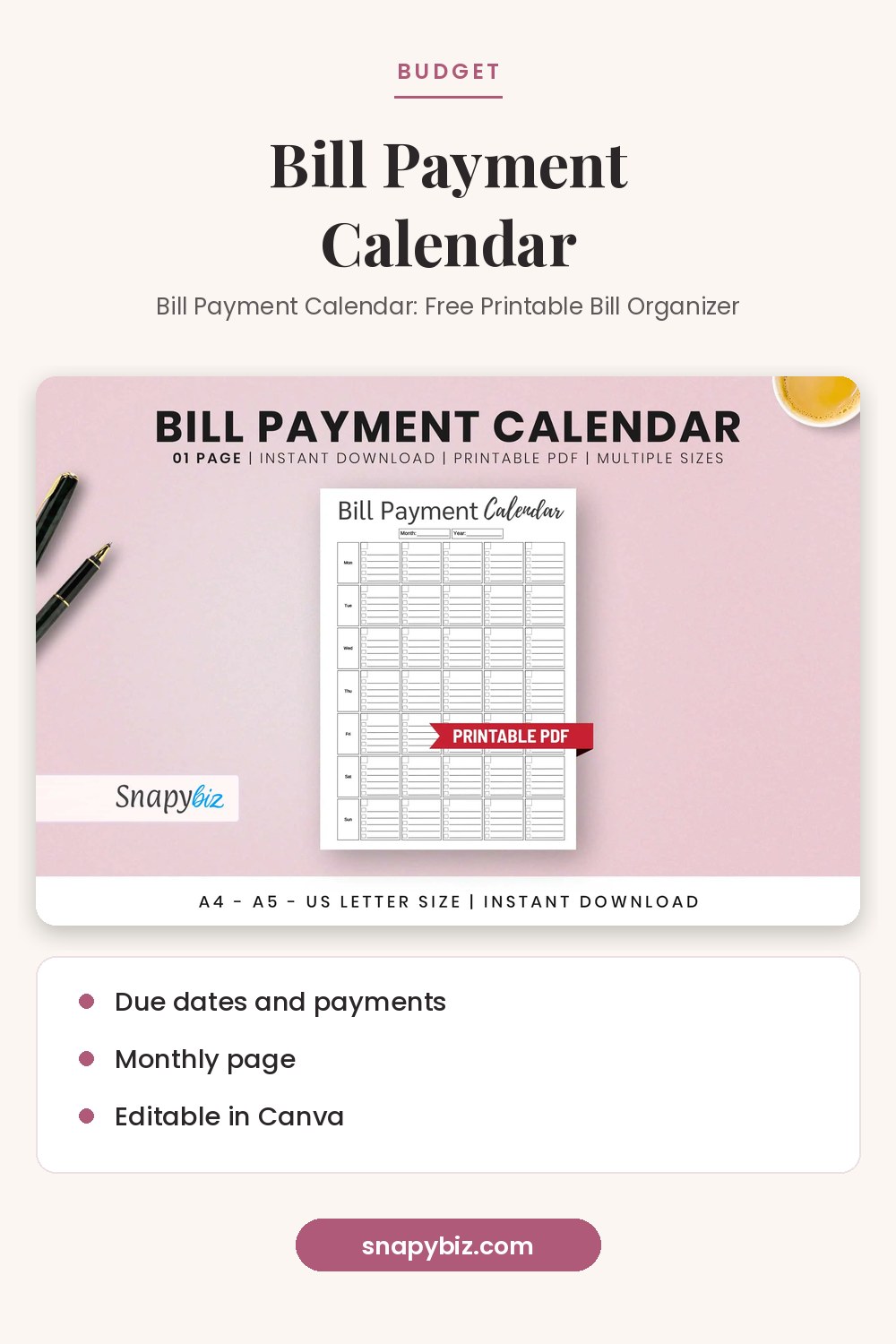
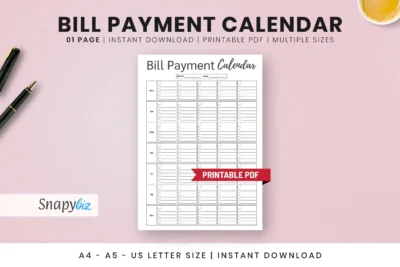
Bill Payment Calendar: Free Printable Bill Organizer
Free
Stay on top of every due date with this free bill payment calendar.
Get this templateHow should you print and store planner pages?
- Print on plain copy paper for daily pages you will use up fast.
- Use heavier paper for pages you keep all month, like the bill calendar.
- Hole punch the pages and keep them in a binder with tabs: Daily, Weekly, Money, Meals.
- Print a month of daily pages at once so you never run out.
- Keep the PDFs saved so you can print more any time.
Frequently asked questions
Are these planner pages really free?
Yes. All 11 pages listed above showed $0.00 on snapybiz.com on October 21, 2026.
What format are the planners?
They download as PDF files you can print at home. Some, such as the sinking fund tracker, are fillable PDFs you can type into.
Which page should I start with?
Start with one daily page and one weekly page. Add budget or meal pages once the first two feel like a habit.
Can I use the budget pages without a bank app?
Yes. The CFPB says a daily journal or a folder of receipts reviewed each week can work for tracking spending.
How many pages should I print?
Print one weekly page per week and one daily page per day. For the bill calendar, one page per month is enough.
Summary
Use a daily page for today, a weekly page for the week ahead, the budget pages in the CFPB order (income, spending, bills, budget), and the meal planner with a grocery list. All 11 SnapyBiz planner pages above are free PDFs. Print them, punch them, and keep them in one binder.
References
- Consumer Financial Protection Bureau. Budgeting: how to create a budget and stick with it.
- Consumer Financial Protection Bureau. Your Money, Your Goals toolkit.