Quick answer: Pick your goal and niche, then pull your real numbers from each app’s free insights. Work out your engagement rate, choose 3 to 5 services with prices or packages, and collect proof from past work. Drop it all into an editable Canva kit, export a PDF, and send it with a short, personal pitch. Update the numbers every month.
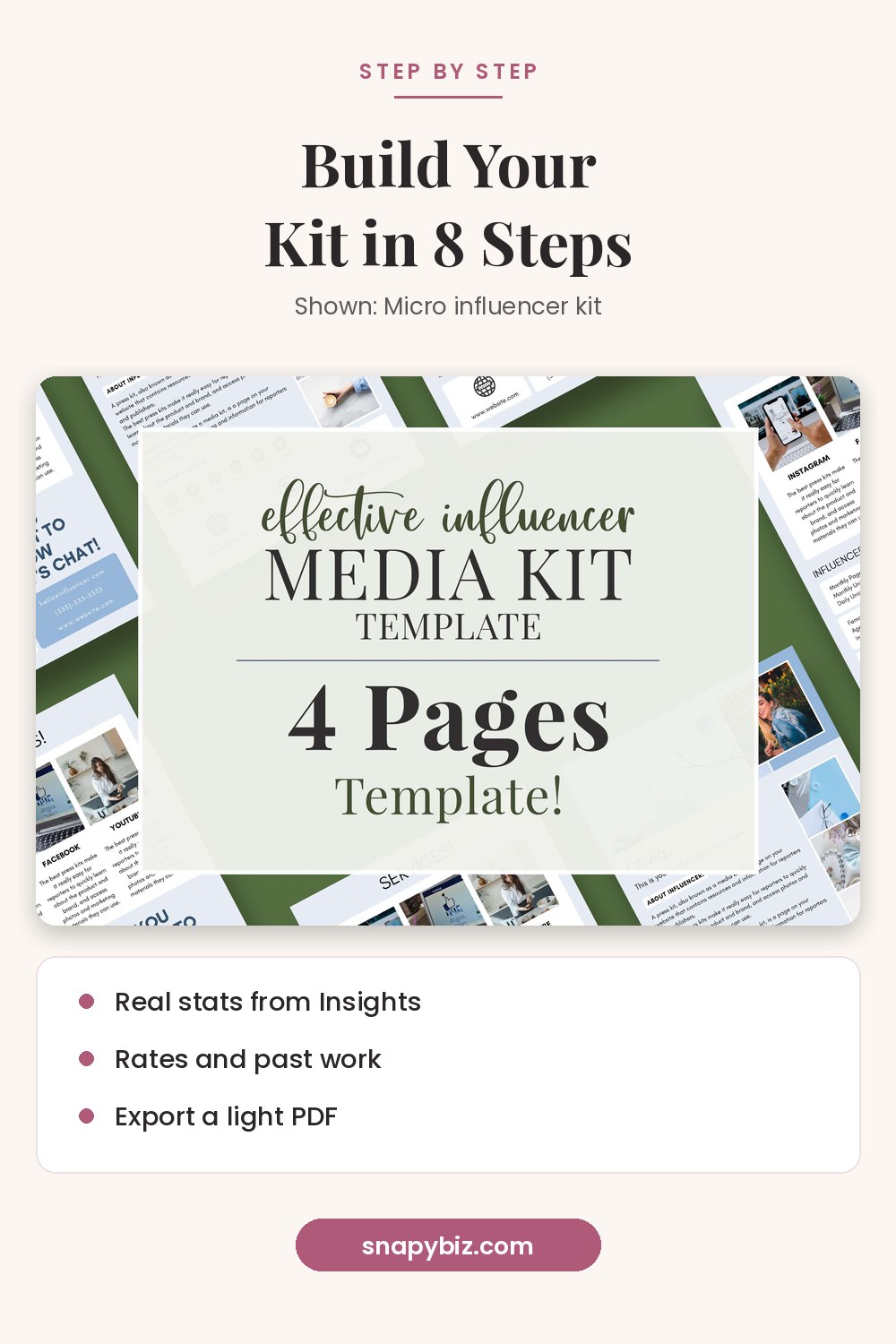

Influencer Media Kit Template: Micro Influencer Canva
$1.50
Present your brand professionally with this influencer media kit template, a set of 4 editable designs with rate sheet and Instagram packet pages.
Get this templateThis guide is about the process. If you want to know what goes on each page, start with the page list in step 6, then come back here for the rest.
Step 1: What is your kit for?
Before you open any template, write one sentence: “I want brands in [niche] to pay me for [type of content].” For example, “I want skincare brands to pay me for short videos.”
This sentence decides:
- Which platforms you show first
- Which past posts you use as proof
- Which services you list
A kit made for everyone convinces no one. If you work in two niches, such as food and travel, make two versions.
Step 2: How do you gather your stats?
Use the free numbers inside each app.
Instagram. Instagram’s insights guide says public accounts get free insights. The overview shows Views, Interactions, New followers and Content you shared. You can pick a time frame within the past 90 days, and tap a single post or reel to see how it did.
YouTube. YouTube’s Overview report guide says the Overview tab in YouTube Studio Analytics gives a quick look at views, watch time and subscribers.
Your blog. Use your site analytics for monthly visitors.
Write down the same items for each platform:
| Number | Where to find it |
|---|---|
| Followers or subscribers | Your profile |
| Views or reach in the last 30 or 90 days | Insights or Analytics |
| Interactions (likes, comments, shares, saves) | Insights |
| Top countries and cities | Audience section |
| Age and gender split | Audience section |
Take screenshots too. Some brands ask for proof.
Step 3: How do you work out engagement rate?
Brands often care more about engagement than follower count. One common way to work it out:
- Add up the likes, comments, shares and saves on your last 10 posts.
- Divide by 10 to get the average per post.
- Divide that by your follower count.
- Multiply by 100.
Example: your last 10 posts got 4,000 interactions in total. That is 400 per post. With 10,000 followers, 400 ÷ 10,000 × 100 = 4%.
Say which method you used, such as “Engagement rate: 4% (average of last 10 posts).” That way, a brand can compare apples to apples.
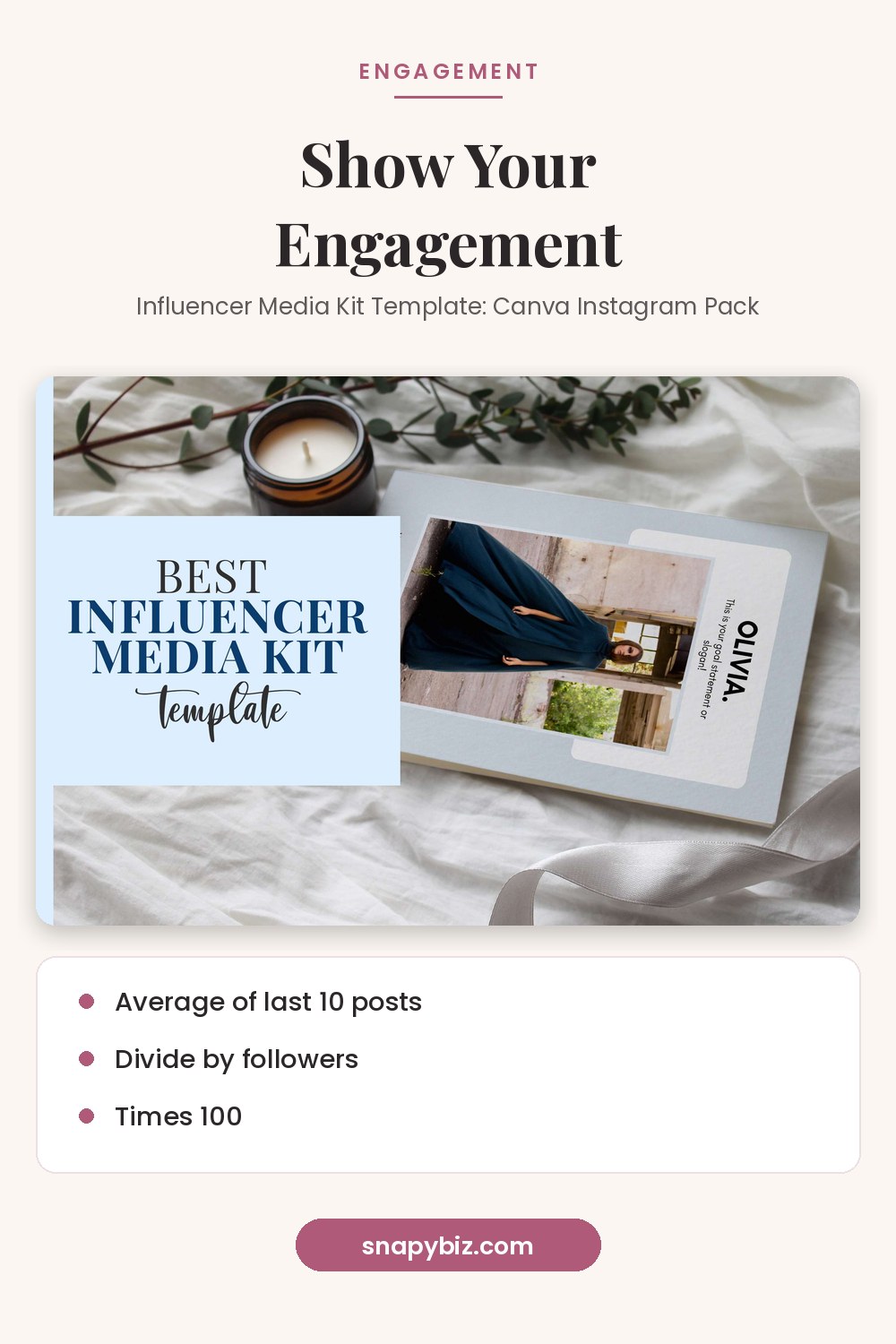

Influencer Media Kit Template: Canva Instagram Pack
$1.50
Pitch brands with confidence using this influencer media kit template pack for Canva.
Get this templateStep 4: How do you choose your services and rates?
List 3 to 5 things you are happy to make, such as:
- One feed post or reel
- A set of stories
- A YouTube video or mention
- A blog review
- Photos the brand can reuse (often called UGC)
- A bundle of the above
For prices, you have three options: list each price, offer bundles, or write “rates on request.” Think about your time, your costs, and how long a brand may reuse your content. Keep prices on a separate rate sheet so you can change them without editing the whole kit.
Step 5: What proof should you add?
Brands want to see results, not just promises. Add:
- Logos of brands you have worked with (with permission)
- One or two short case studies: “Reel for a candle shop got 12,000 views and 300 saves”
- A short quote from a past partner
- Links or screenshots of your best posts
No brand deals yet? Show your best organic posts and explain why they worked.
Step 6: How do you lay out the pages?
Most influencer kits follow this order:
- Cover: name, photo, niche in a few words
- About: who you are and what you post
- Audience: stats from step 2 and engagement from step 3
- Services and rates: from step 4
- Past work: from step 5
- Contact: email, handles, website
Use your brand colors and the same two fonts across every page. Big numbers and short lines read faster than paragraphs.
Step 7: How do you design and export it?
The fastest way is to start from an editable kit and swap in your details.
- Buy and open a Canva kit, such as the SnapyBiz micro influencer kit ($1.50, 4 designs with stats, rates and services pages) or the Instagram pack ($1.50, 4 designs plus a rate sheet and blogger kit). Prices checked October 21, 2026.
- Replace the photos with your own clear, bright shots.
- Type in your stats, services and contact info.
- Change the colors to match your feed.
- Go to Share, then Download.

Influencer Media Kit Template: Micro Influencer Canva
$1.50
Present your brand professionally with this influencer media kit template, a set of 4 editable designs with rate sheet and Instagram packet pages.
Get this template
Influencer Media Kit Template: Canva Instagram Pack
$1.50
Pitch brands with confidence using this influencer media kit template pack for Canva.
Get this templateCanva’s file type guide says PDF Standard is 96 dpi and PDF Print is 300 dpi. PDF Standard makes a smaller file, which is easier to email. The guide also notes that password protection is only available for PDF Standard.
Name the file clearly, such as “JaneDoe_MediaKit_Oct2026.pdf.”
Step 8: How do you send it to brands?
Keep the email short and personal:
- Subject: “Collab idea: [your name] x [brand name]”
- Line 1: why you love the brand, with one real detail
- Line 2: who your audience is and one key number
- Line 3: one content idea for them
- Line 4: “My media kit is attached. Happy to share rates for this idea.”
Send it to the brand’s partnerships or PR email if they list one. If you don’t hear back, one polite follow up is fine.
How do you stay on the right side of ad rules?
The FTC’s endorsement guides, at 16 CFR 255.5, say a material connection to a brand must be disclosed “clearly and conspicuously.” Payment and free or discounted products both count. Add a line to your kit such as “All paid and gifted posts are clearly labeled.” It tells brands you are a safe partner.
How often should you update your kit?
Update the numbers once a month, and after any big win, such as a viral post or a new brand deal. Always put the date next to your stats.
More SnapyBiz kits by niche
| Niche | Kit | Price on Oct 21, 2026 |
|---|---|---|
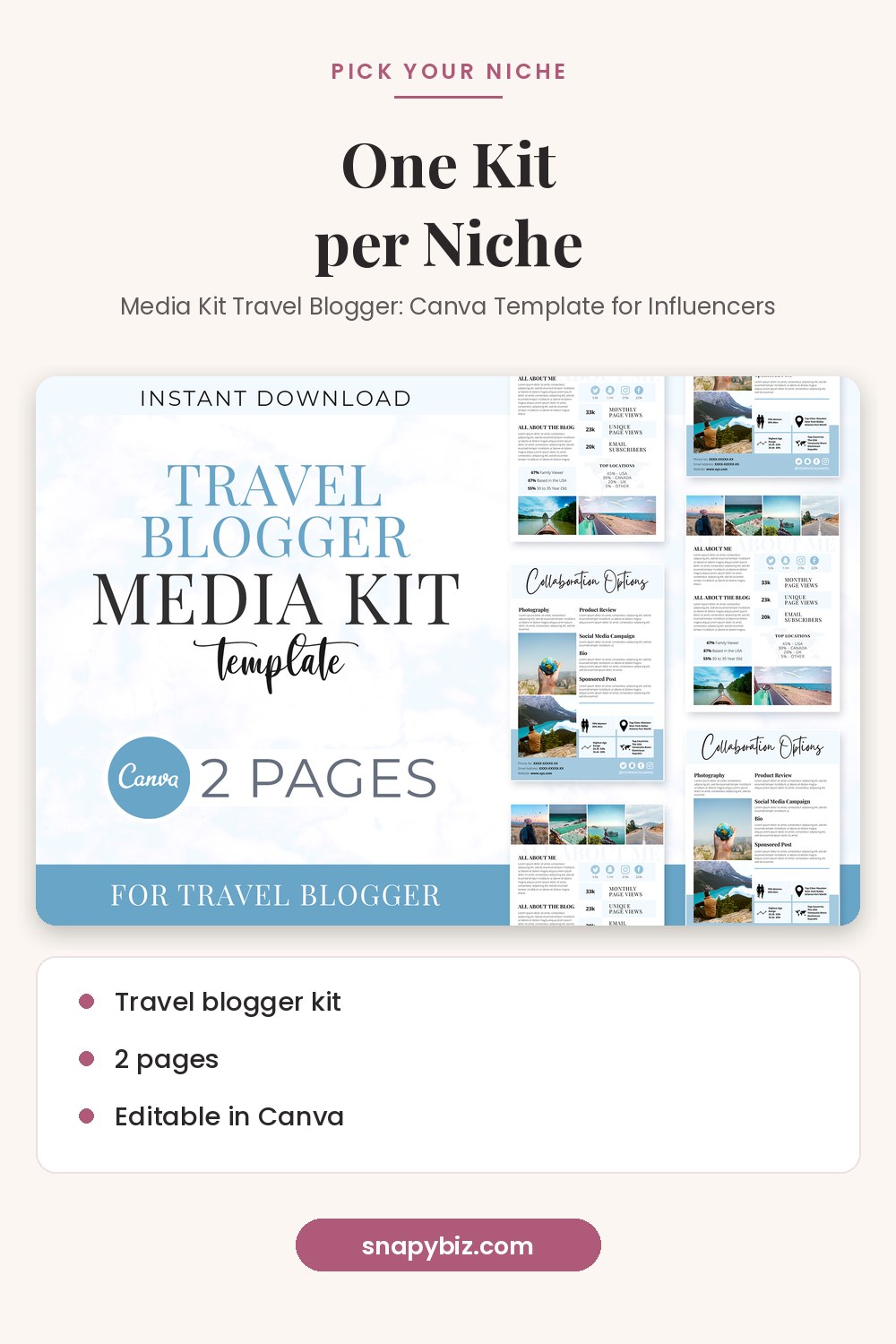
| Travel | Travel blogger kit | $1.50 |
| Food | 5 page food kit | $1.50 |
| Soft, feminine look | 4 page feminine kit | $1.50 |

Media Kit Travel Blogger: Canva Template for Influencers
$1.50
Land more brand deals with a travel blogger media kit that looks professional.
Get this templateFrequently asked questions
How long does it take to make a media kit?
With a template and your stats ready, most people can finish in an afternoon. Gathering stats takes the longest.
Can I make one with a small following?
Yes. Show your engagement rate and niche. Brands often value a small, active audience.
What is a good engagement rate?
It changes by platform and niche, so compare yourself with creators like you. Track your own rate over time and show growth.
Should I make a different kit for each brand?
Keep one main kit, then tweak the content idea and past work for each pitch.
What should I name the file?
Use your name, “MediaKit,” and the month, such as “JaneDoe_MediaKit_Oct2026.pdf.”
Summary
Start with a clear goal. Pull real stats, show engagement, list a few services, and add proof. Then drop it into a Canva kit, export a light PDF, and send it with a short, personal pitch. Update it monthly and label every paid post.
References
- Instagram Help Center. About Instagram insights.
- YouTube Help. Get an overview of channel performance.
- Canva Help Center. Choose the right download file type.
- eCFR. 16 CFR 255.5, Disclosure of material connections.